How to Make Roblox Game Thumbnails That Get Clicks
How to make a Roblox game thumbnail that gets clicks: the right size, what to show, staging it in Studio, making it with AI, and testing with personalization.
 RoAutomation teamUpdated 7 min read
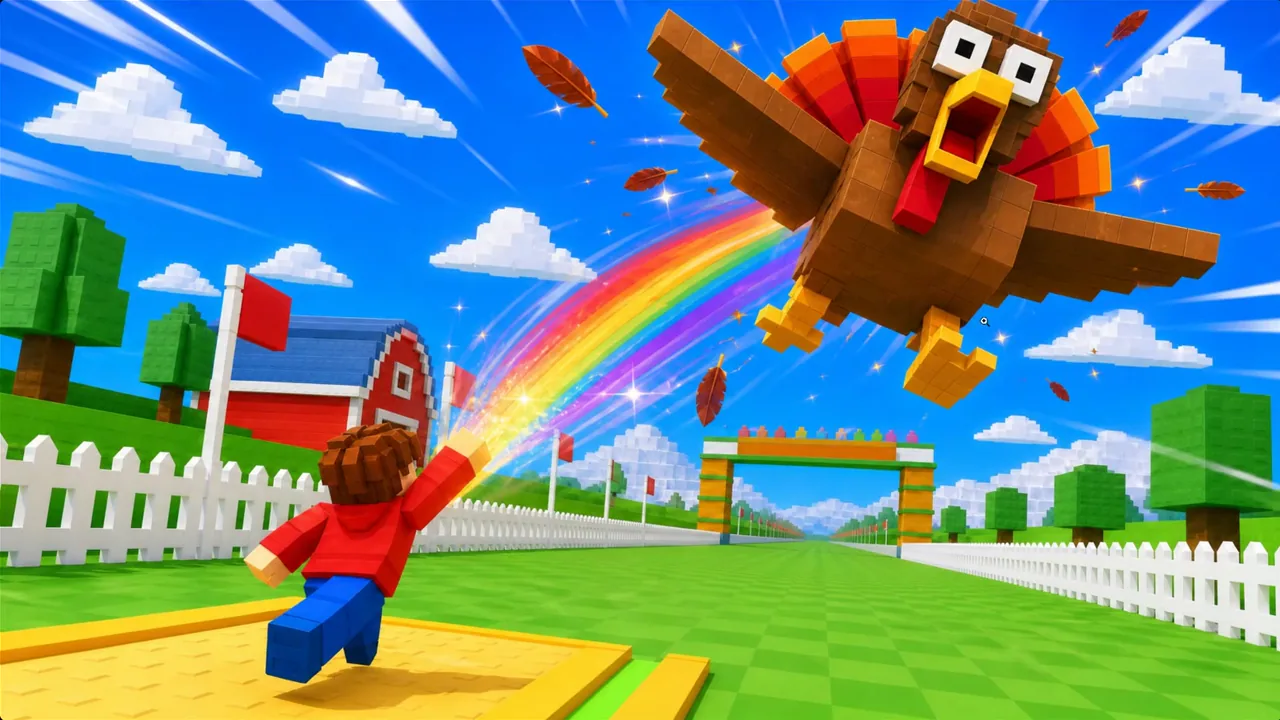
A Roblox thumbnail that gets clicks shows the one thing you do in the game, big enough to read at tile size on a phone. Make it 1920×1080, stage the moment in your own game with Studio’s free camera, keep to two or three large subjects and very few words, and keep anything important off the bottom edge. Then upload two to five and turn on thumbnail personalization, so Roblox tests them for you. Roblox requires a custom thumbnail before a game can be recommended on Home.
What size is a Roblox thumbnail?
Get the specs right first. These are from Roblox’s own documentation, read on 19 November 2026:
| Asset | Size | What Roblox’s docs say |
|---|---|---|
| Thumbnail | 1920×1080, 16:9 | Ideally 1920×1080. Other shapes are stretched to 16:9 |
| Formats | .jpg, .gif, .png, .tga, .bmp | Keep images for Home personalization under 3 MB |
| How many | Up to 10 | Images or videos on a game’s page; 2 to 5 active for personalization |
| Icon | Square, at least 512×512 | It is scaled down to sizes like 150×150, so check it small |
Two more rules from the same docs matter as much as the pixels. Keep essential text and elements away from the bottom of the thumbnail, because the player count can cover it. And a custom thumbnail is required for a game to get impressions from Home recommendations: a game with only the default one isn’t eligible.
What should a Roblox thumbnail show?
A player scrolling Home sees your thumbnail as a small tile among dozens. It has about a second. In that second it has to answer one question: what do I do in this game?
- The verb. Show the main action at its best moment: the throw, the roll, the catch, the boss hit. Not the lobby, and not the logo.
- The prize. The thing players want, bigger than it is in the game.
- A character with a feeling. A face that is thrilled, scared or smug reads faster than a blank one.
- The game’s own world. Roblox’s discovery docs say mismatched metadata and content isn’t recommended to users, so the thumbnail has to be the game.
Roblox’s own advice is to use unique imagery that shows what players will experience, and to let colour carry the mood: bright and saturated for a playful game, dark with strong contrast for horror.
How to make a Roblox thumbnail, step by step
- Pick the moment. Write one sentence: who is doing what, and what they get. “A kid hurls a giant golden turkey into the sky.”
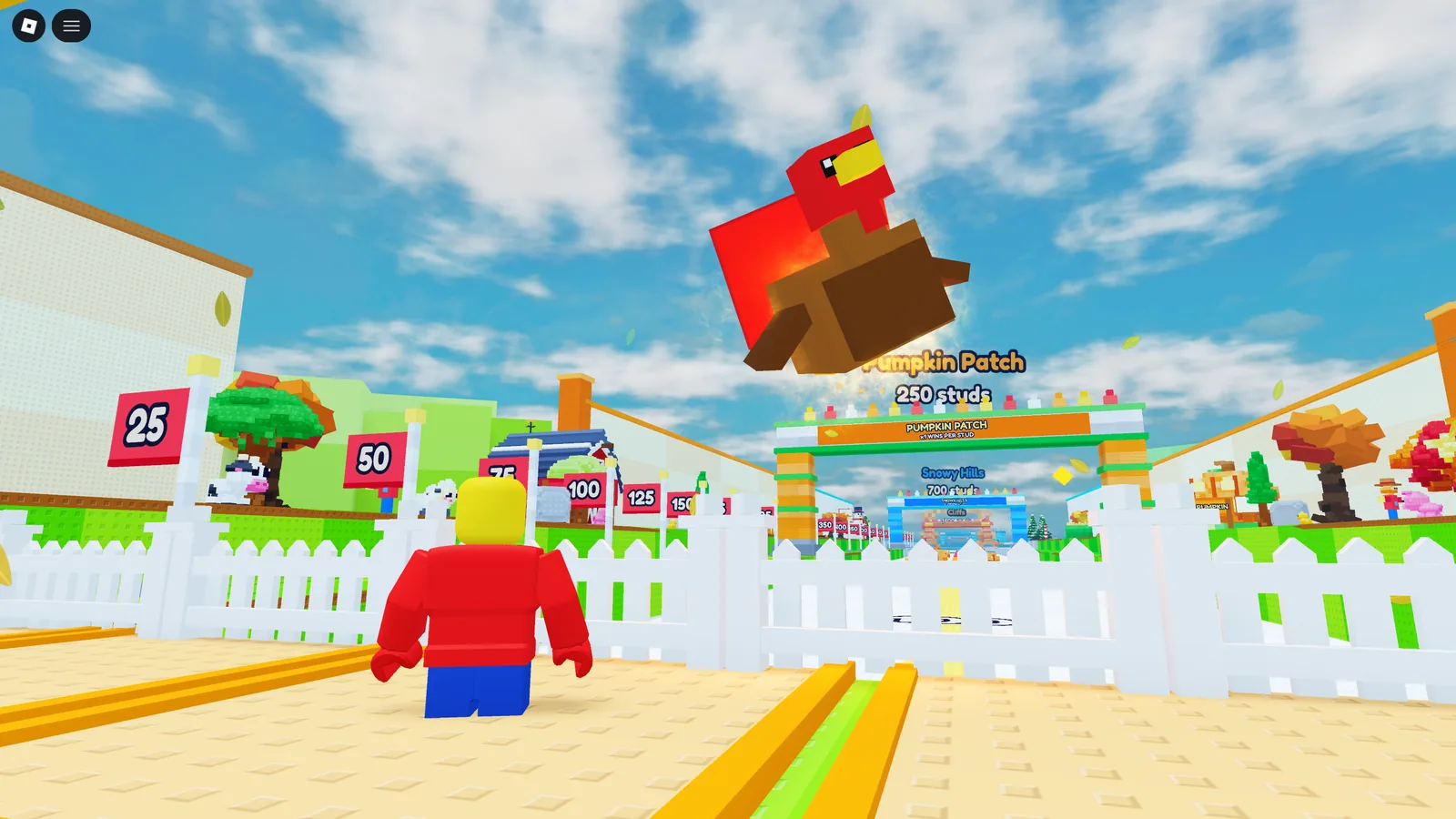
- Stage it in your game. Start a solo playtest in Studio, pose the scene, and press Left Shift + P for the free camera. Roblox’s docs recommend it for cinematic shots. Get low and close, with the subject filling the frame.
- Capture it large. Take the screenshot at a high resolution. A staged shot from your real game is your reference, and it keeps the thumbnail honest.
- Make the picture. Edit the shot yourself, hand it to an artist, or give it to an image AI as the reference with your one sentence. Ask for the same world and characters, more drama, and room on the left or right if you want a word.
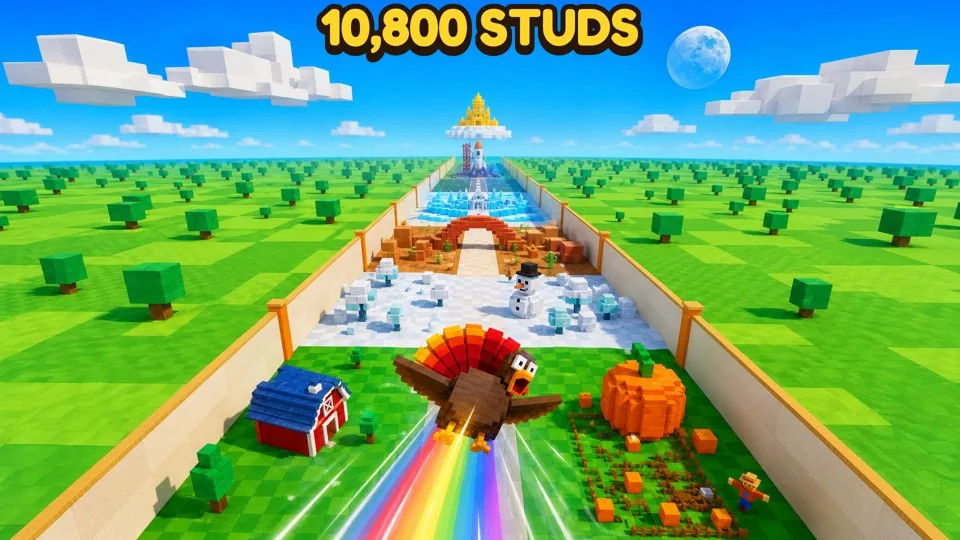
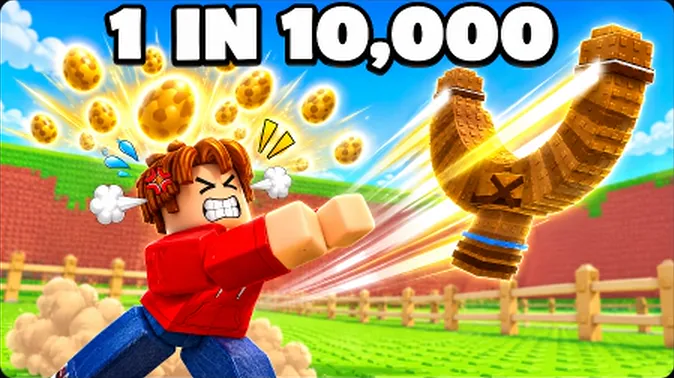
- Add at most one short line. A number or two words: “1 in 10,000”, “10,800 studs”. Keep it in the top half.
- Check it small. Shrink it to the size of a Home tile and look at it beside the top games in your genre. If you can’t tell what’s happening, neither can a player.
What we found measuring 555 charting games
We measured the first thumbnail of 555 Roblox games that reached the charts between late September and early November 2026: 290 that kept their players and 265 of the same genre and age that faded. Here is what leaned one way:
- Fewer words. 39% of the games that lasted had no text on their first thumbnail, against 30% of the ones that faded. Huge lettering showed up on 30% against 40%.
- A face with a feeling. A thumbnail with no expression at all was 30% of the games that lasted and 38% of the ones that faded.
- Two subjects. The games that lasted showed a median of two focal subjects: one clear idea, not a collage.
- It varies by genre. Simulators that lasted were brighter and showed more of the world. RNG games that lasted were darker, with a dramatic glow.
And what made no difference: a polished 3D render (60% against 62%), arrows and circles (15% each) and a glowing prize (27% against 28%). Every charting game already has those.
Read this honestly. The differences are small, every game in the sample had already earned clicks, and it shows what goes together, not what causes what. A game lives or dies on how it plays. Use the findings for a better first draft, then let your own numbers decide.
Test your thumbnails with personalization
You don’t have to guess which thumbnail is best. Roblox’s thumbnail personalization shows different thumbnails to different players and learns which one works for each group.
- It starts only when 2 or more thumbnails are active. You can activate 2 to 5.
- Roblox says that in testing, games using it saw an average 8.5% increase in qualified play through rate, and some saw 50%.
- A performance table fills in after a few hours, with impressions, qualified plays and play through rate for each thumbnail.
- Roblox’s advice is to keep several active rather than crown one winner, and to test new ones with major updates.
So make thumbnails that are different from each other, not three versions of one picture: a close-up of the action, a wide shot of the world, the rarest reward. Each one must still show your real game.
Mistakes that cost clicks
- Art that isn’t the game. A player who clicks and finds something else leaves in seconds, and Roblox counts that quick exit against you.
- Tiny characters in a big scene. At tile size they vanish.
- A wall of text. Words shrink to nothing on a phone.
- Anything important at the bottom. The player count sits there.
- Copying another game’s thumbnail. Roblox’s docs say repeated titles and images are no longer prioritised for recommendations.
- Promising free Robux or rewards. Roblox says metadata that implies a monetary reward isn’t prioritised.
Thumbnails from a team of agents
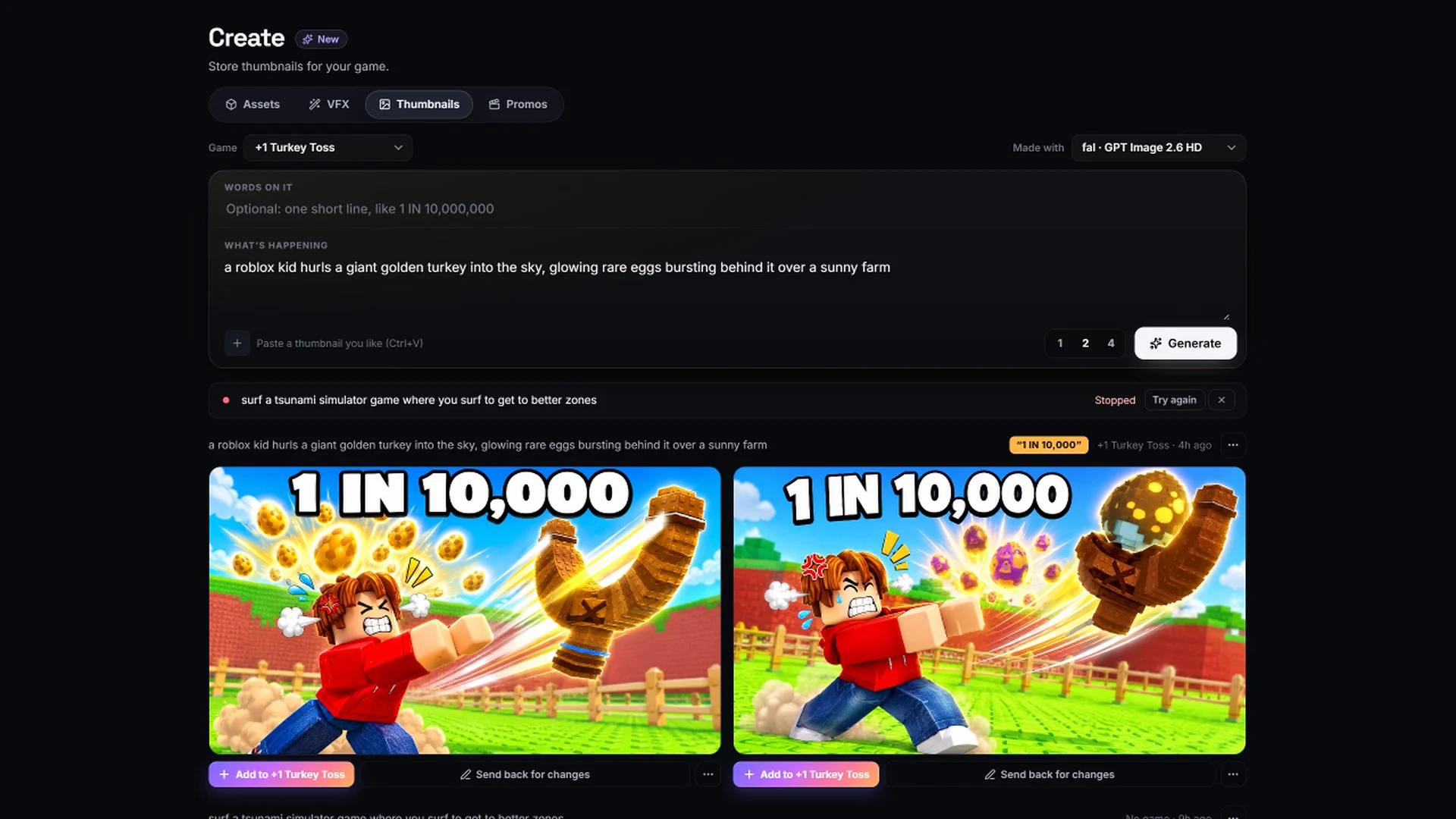
The pictures on this page are real. They were made in RoAutomation for a simulator our agents built: the scene staged inside the game in Roblox Studio, then turned into the finished thumbnail. In the app, Splash is the agent for icons and thumbnails, and Create makes a thumbnail from your sentence and shows it among today’s top games on a mock Roblox home page, so you judge it at the size players will.
Studio includes 10 thumbnails a month and Studio Pro is unlimited; the images run on your own image key. See the plans. Want a second opinion on the thumbnail you have now? Our free Game Review scores it as part of your game’s review.
Questions people ask
What size should a Roblox game thumbnail be?
1920×1080 pixels, a 16:9 shape. Roblox’s docs say other shapes are stretched to 16:9, and that images used for Home personalization should stay under 3 MB.
What size is a Roblox game icon?
Square and at least 512×512 pixels. Roblox scales it down to sizes like 150×150 in places, so check that it still reads when small.
How many thumbnails can a Roblox game have?
Up to 10 images or videos on the game’s page. For thumbnail personalization on Home, you activate 2 to 5.
Can I use AI to make a Roblox thumbnail?
Yes. It works best from a real screenshot staged in your game, so the result shows your actual world and characters. Thumbnails still go through Roblox’s moderation and must reflect the game.
Do thumbnails really affect how many players I get?
They affect who clicks. Roblox’s docs list play through rate, the share of people who play after seeing your game, among its most important recommendation signals, and require a custom thumbnail for Home recommendations.