How to Make a Simulator Game on Roblox with AI
How to make a simulator game on Roblox with AI: the core loop, upgrades and zones, pets, rebirths, saving and the shop, with prompts that work and what to test.
 RoAutomation teamUpdated 7 min read
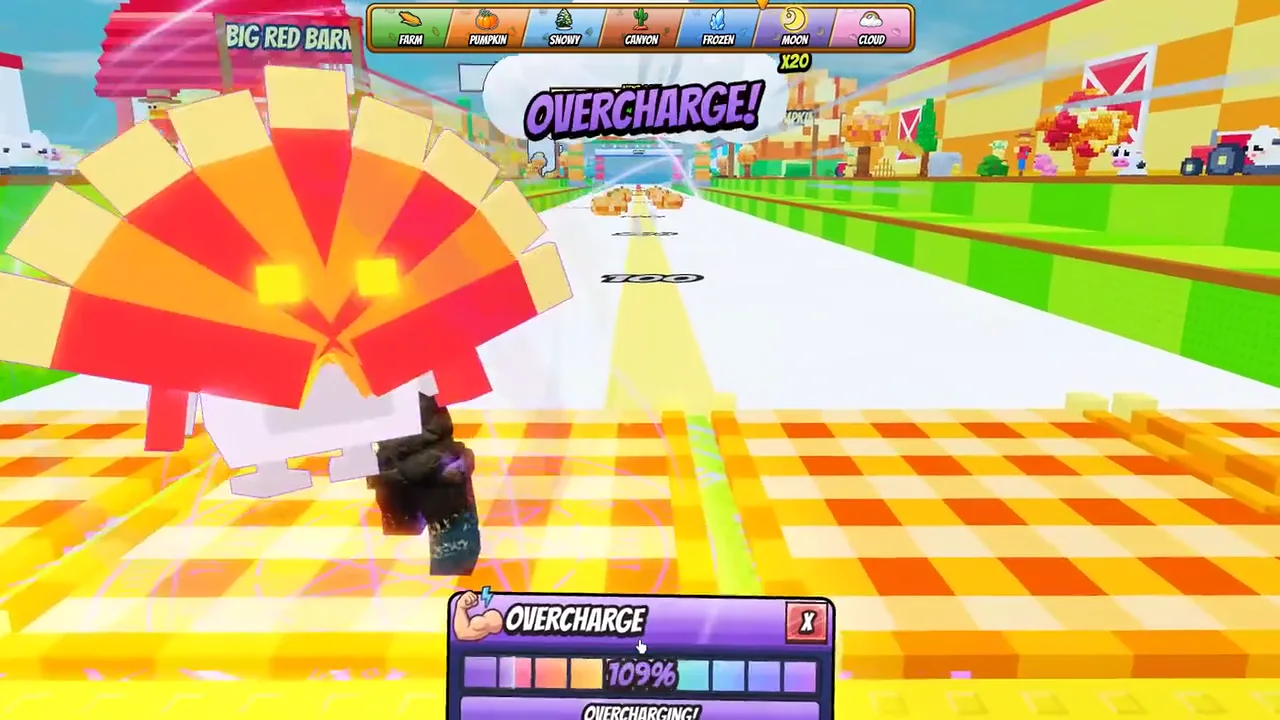
To make a simulator game on Roblox with AI, write the loop down first: one action that earns a number, upgrades that make the number grow faster, zones that unlock as it grows, and a rebirth that restarts it with a multiplier. Then have the AI build one system at a time in Roblox Studio, in that order, with saving and a phone-sized HUD early, and playtest after every system. The AI writes the code; the pacing of the numbers is the part you have to tune.
What makes a Roblox simulator work?
A simulator is a number that goes up, and reasons to keep pushing it. Underneath the theme, nearly every one has the same five parts:
- One action the player repeats: click, swing, lift, throw, dig.
- A currency the action earns, shown big on screen.
- Upgrades that make each action earn more: better tools, more strength, pets with multipliers.
- Zones that unlock when the number is high enough, each with better rewards.
- A rebirth that resets progress in exchange for a permanent multiplier.
The theme is what makes it yours. The loop is what makes it play. Decide both before you open Studio, because an AI will happily build a loop with no reason to keep playing if you don’t tell it the reason.
Step 1: Write the loop on one page
Give the AI a short design, not a one-line wish. One page is enough:
- The action and the theme, in one sentence. “You train your arm on a pad, then throw a turkey down a runway. Distance earns wins.”
- The first five minutes. What does a new player do in the first ten seconds, and what do they unlock by minute three?
- The first three upgrades and their prices.
- The first three zones and what it takes to open each.
- What a rebirth costs and gives.
- What is for sale, and what stays free.
Roblox’s own retention guide says to get new players to the fun “ideally in 5 minutes or less”, and its discovery docs count a first session under 60 seconds as a negative signal. So plan the first minute hardest: the first action should pay out at once, and the first upgrade should be affordable within a minute.
Step 2: Build the core loop first, on the server
Ask for the smallest playable loop before anything else: the action, the currency and one upgrade. A prompt that works:
“Build the core loop. A training pad adds Skill once a second while a player stands on it. A Throw button launches the held item; distance is based on Skill. Award Wins for the distance. Keep Skill and Wins on the server in a PlayerData module, and never trust a number sent from the client. Show both in a simple HUD.”
Two things in that prompt save you later. Server-side numbers: if the client can tell the server how much it earned, exploiters will. The client asks, and the server decides. One module for player data: every later system, from the shop to pets to rebirths, reads and writes the same place.
Playtest it. If the loop isn’t fun with grey blocks and no art, more systems won’t fix it.
Step 3: Add saving before you add content
Players leave simulators that lose their progress. Add saving as the second system, not the last:
- Save with Roblox’s DataStoreService, one key per player.
- Wrap every load and save in pcall and retry on failure, because data store calls can fail.
- Save when the player leaves, when the server shuts down (BindToClose), and on a timer every few minutes.
- If loading fails, don’t give the player a fresh save and overwrite the real one. Kick them with a message, or hold them until it loads.
- To test saving in Studio, turn on “Enable Studio Access to API Services” under Security in the game’s settings. Roblox’s docs say to do this on a separate test version, not a live game, because Studio writes to the same data.
Then test it properly: earn something, leave, rejoin, and check the number. Ask the AI to write that as a test it runs itself.
Step 4: Upgrades, zones and pets
Now the loop gets its reasons. Add them one at a time, and keep the numbers in one config file so you can tune without touching code:
- Upgrades. A table of items with a price and a multiplier. The shop reads the table; the server checks the price and applies it.
- Zones. A gate that checks a requirement on the server, then opens. Put the next zone where the player can see it from the first one. Seeing it is the reason to grind.
- Pets. An egg with a list of pets and odds, a hatch screen, an inventory, and equipped pets that multiply earnings. If eggs can be bought with Robux, or with a currency bought with Robux, Roblox’s rules say you must show the real odds before the purchase.
- Rebirth. A requirement, a reset of the right things (currency and upgrades, usually not pets) and a permanent multiplier.
After each one, play from a fresh save. The question is always the same: how long until the next unlock? If the answer is ever “I don’t know” or “too long”, fix the numbers before you add the next system.
Step 5: The HUD and the shop, at phone size
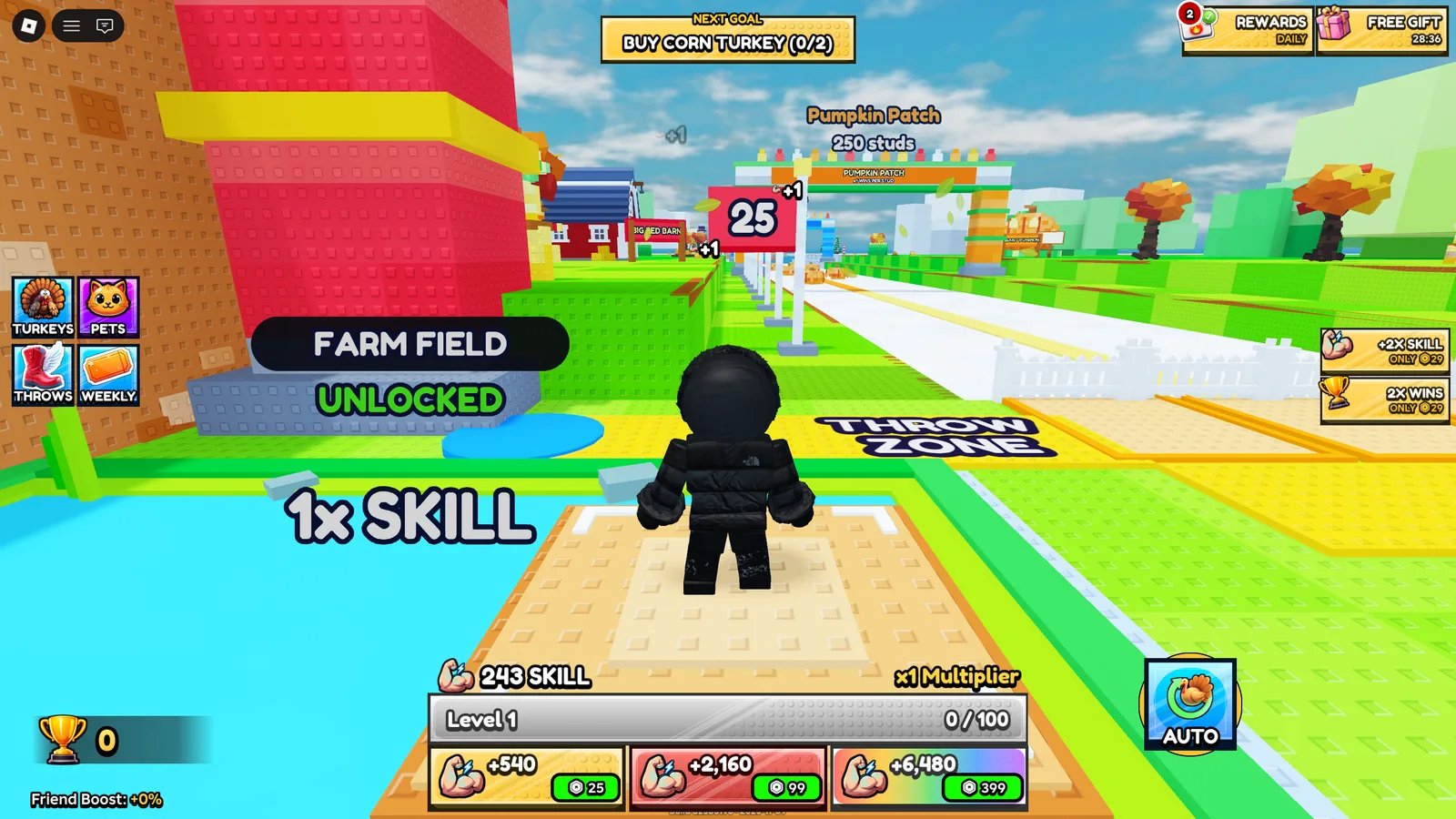
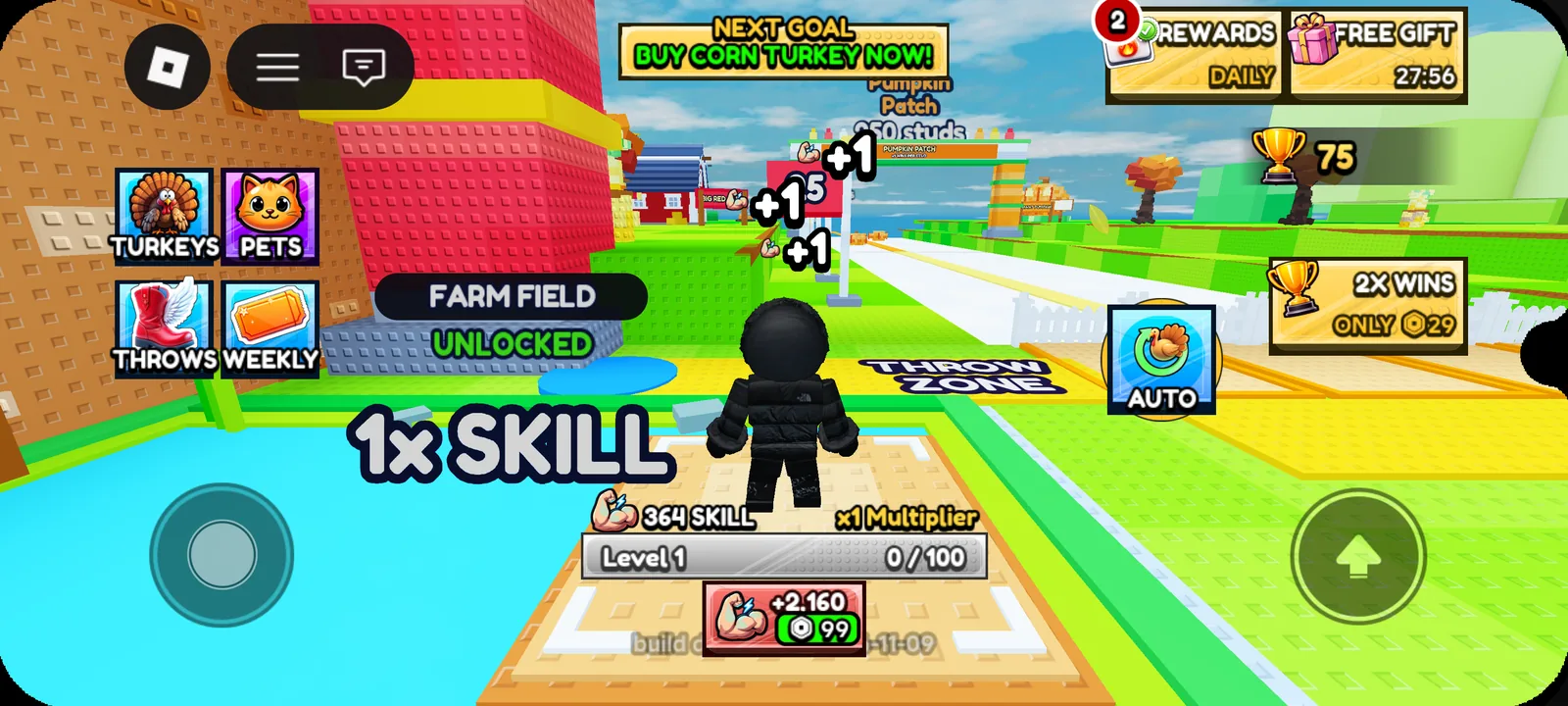
A simulator’s HUD does a lot of work: the big number, the next goal, the menu buttons and the offers. Most Roblox players are on phones, so build it for a phone first and check that nothing sits under the thumbstick or the jump button.
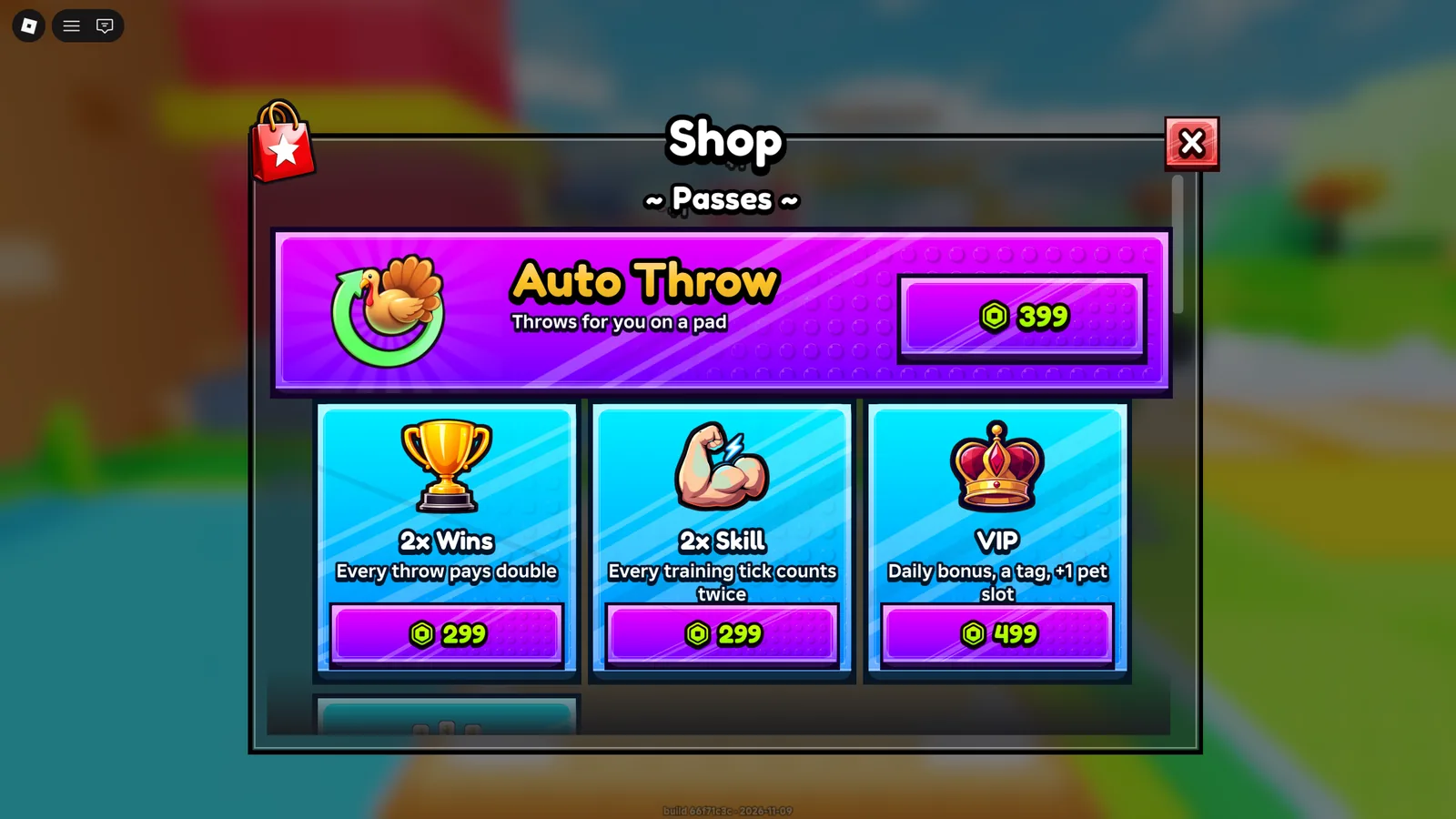
For the shop, Roblox has two kinds of products. Its docs describe passes as a one-time fee for a permanent privilege, like double earnings or auto-play, and developer products as items a player can buy more than once, like a boost or currency. A small shop with three or four clear passes beats a wall of offers.
A simulator our agents built
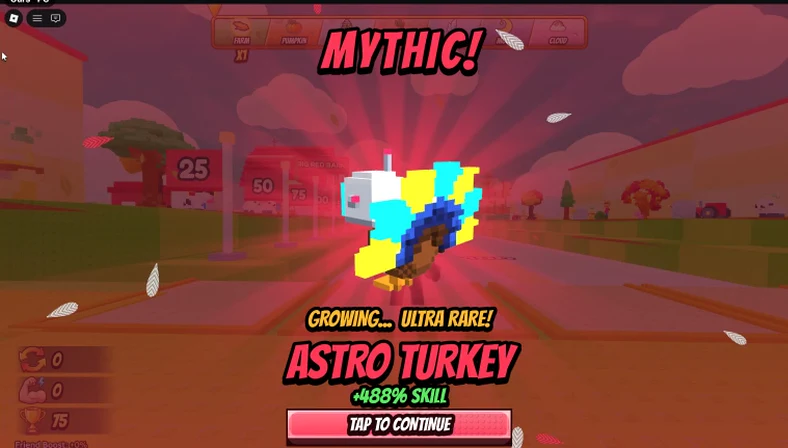
The pictures on this page are from a simulator built by RoAutomation’s agents. It started from one sentence: “Make a game where you throw turkeys for distance.” It follows the steps above. You train Skill on a pad, throw down a runway marked in studs, earn wins, hatch pets and turkeys with rarities, open zones further down the runway, and rebirth for a wins multiplier. Its shop sells four passes: Auto Throw, 2x Wins, 2x Skill and VIP.
In RoAutomation the work is split the way this guide is. Architect writes the one-page design and the build plan. Balance tunes the price curve. Builder codes the loop and saving in your own Roblox Studio. Frame builds the HUD and the shop. Playtest and the Kid Tester play every build on PC, phones and a gamepad and send back what broke, and Reviewer checks that purchases and saves can’t be exploited.
You can follow every step on this page with any AI and Roblox Studio. If you’d rather hand it to a team, see the plans, or get a game you already have scored with our free Game Review.
Questions people ask
Can AI make a simulator game on Roblox?
Yes. AI can write the loop, saving, shop, pets and rebirths in Luau. It does best when you give it a one-page design and build one system at a time, playtesting each. Tuning the numbers so the game stays fun is still your job, or a job for an agent that tests it.
How long does it take to make a Roblox simulator?
It depends on scope. A core loop with saving and a few upgrades is the quick part. Zones, pets, a rebirth, a phone-sized HUD, the shop and testing take most of the time. Start with the smallest version that has the full loop.
What is a rebirth in a Roblox simulator?
A rebirth resets a player’s currency and upgrades in exchange for a permanent multiplier, so the next run is faster. It gives players a reason to keep playing after they have unlocked everything.
How do I save player data in a Roblox simulator?
Use DataStoreService with one key per player. Wrap loads and saves in pcall, save when the player leaves, when the server closes and on a timer, and never overwrite a save that failed to load.
Do I have to show pet odds in my Roblox game?
If players can buy the egg with Robux, or with a currency that can be bought with Robux, Roblox’s policy says you must show all possible outcomes and their real odds before the purchase.