RoAutomation vs BloxBot: An Honest Comparison (2026)
RoAutomation vs BloxBot from each tool’s own site: free and open source versus a paid studio of 15 agents, AI models, Studio integration and who each suits.
 RoAutomation teamUpdated 7 min read
BloxBot is a free, open-source desktop app that connects any AI model to Roblox Studio through Studio’s official MCP server, so you can chat with an agent that builds scripts, parts, terrain and UI. RoAutomation is a paid desktop app with 15 specialist agents that take a game from a trending idea through design, build, device testing, launch art and promos on your own Claude plan. BloxBot is the best free way to put an AI agent in Studio; RoAutomation is for a whole game made by a trained team.
RoAutomation vs BloxBot at a glance
Both are desktop apps that work in your own Roblox Studio and let you use an AI plan you already pay for. The big differences are price, openness and how much of the game each one takes on. The BloxBot column is from BloxBot’s own site and repository as read on 19 November 2026; the sources are listed at the end.
| Compared | RoAutomation | BloxBot |
|---|---|---|
| What it is | A desktop app that runs a studio of 15 specialist AI agents, led by an AI manager | A free, open-source AI agent for Roblox Studio, in a desktop app |
| What it does | Finds a trending idea, designs, builds, tests, makes launch art and promos, and reads the live numbers | Builds scripts, parts, terrain and UI from chat; a live Explorer; 3D models through Blender; playtest plans |
| Studio integration | Your own Roblox Studio, plus Roblox’s Open Cloud API with a key you create | Roblox Studio’s official built-in MCP server; its site says no plugin |
| AI models | Claude, through Claude Code on your own Claude plan or Anthropic API key | Any: Claude, GPT, Gemini, open-weight and local models, plus free models with a usage limit |
| Platforms | Windows 10 or 11, and Mac (macOS 12 or newer, Apple silicon or Intel) | Windows and macOS, with a Linux .deb |
| Price | Studio $29 a month, Studio Pro $69 a month, plus your own Claude plan | Free. You pay only your AI provider, or use the free models |
| Credits or caps? | None. The agents are never metered | None from BloxBot; its free models have a usage limit |
| Open source? | No | Yes, MIT licensed |
What is BloxBot?
BloxBot’s home page describes it as “a free, open-source AI agent for Roblox Studio”. You download the app, turn on the built-in MCP server in Studio’s Assistant settings, connect an AI, and describe what you want. Through Roblox’s official Studio MCP it creates parts, scripts, terrain and UI in the place you have open. Its setup guide says there are no plugins, config files or terminal steps.
The app is MIT licensed, and its source is public on GitHub. It is built on OpenCode, an open-source coding agent, and made by Paralov, the team behind studs.gg.
- Any model. Its site lists Claude, GPT and Gemini models, free models and local ones, and says you can switch in the same chat.
- Use a plan you already pay for. Sign in with ChatGPT Plus or Pro, add OpenCode Go (from $10 a month) or Zen, paste an API key, or use a Claude Pro or Max plan through your own Claude Code login, which its site labels “at your own risk”.
- Explorer. The app shows your place live, lets you drag objects into the chat and edit properties, attributes and tags.
- Blender. From version 0.15, one click sets up Blender and its MCP server so the agent can model props.
- Goals and notifications. A chat with goals, your own instructions, notifications when a long build finishes, and playtest plans to check the result.
The latest release on its GitHub page when we read it, v0.15.1, had a Windows installer, an Apple silicon Mac build and a Linux .deb.
What is RoAutomation?
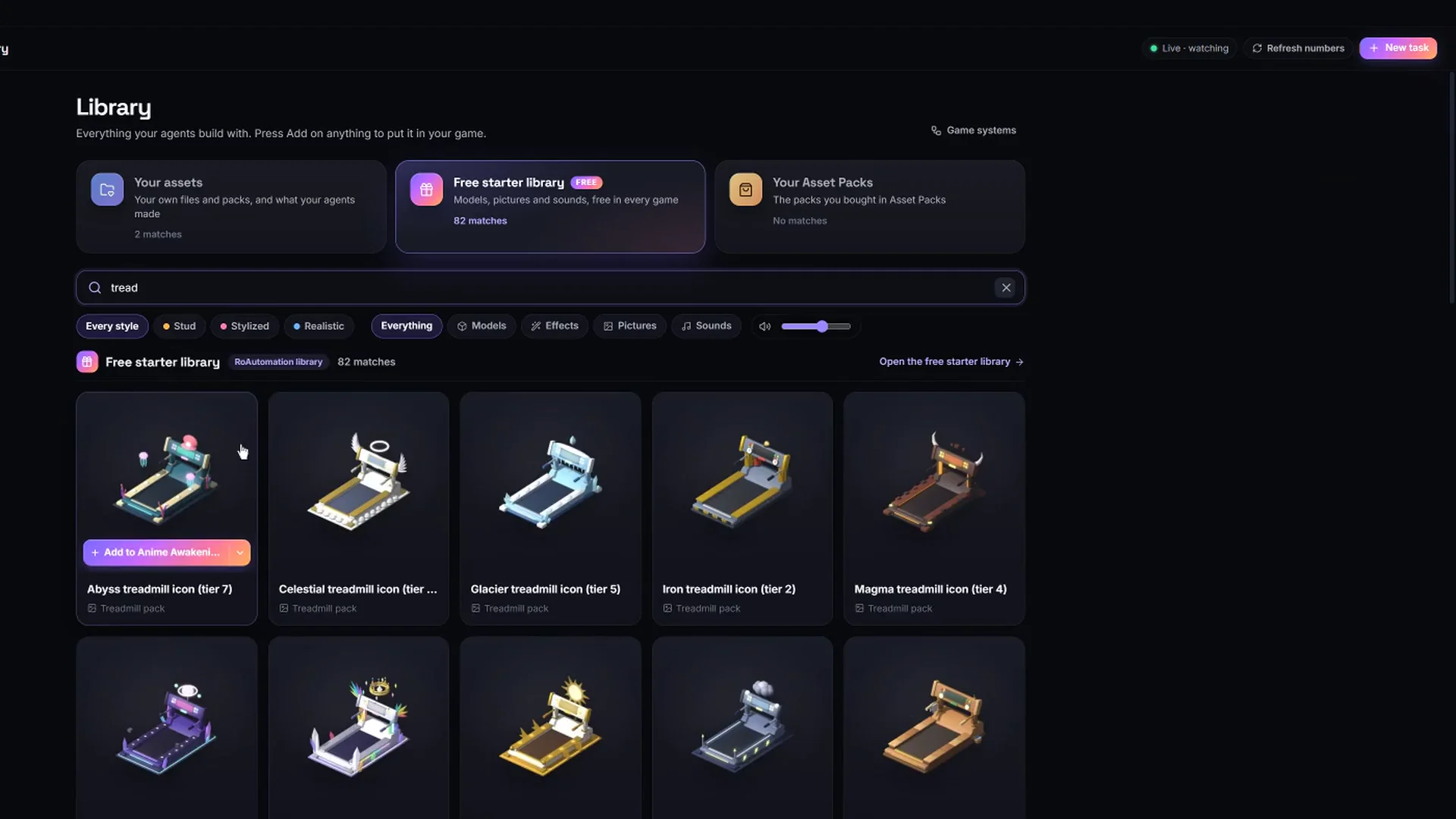
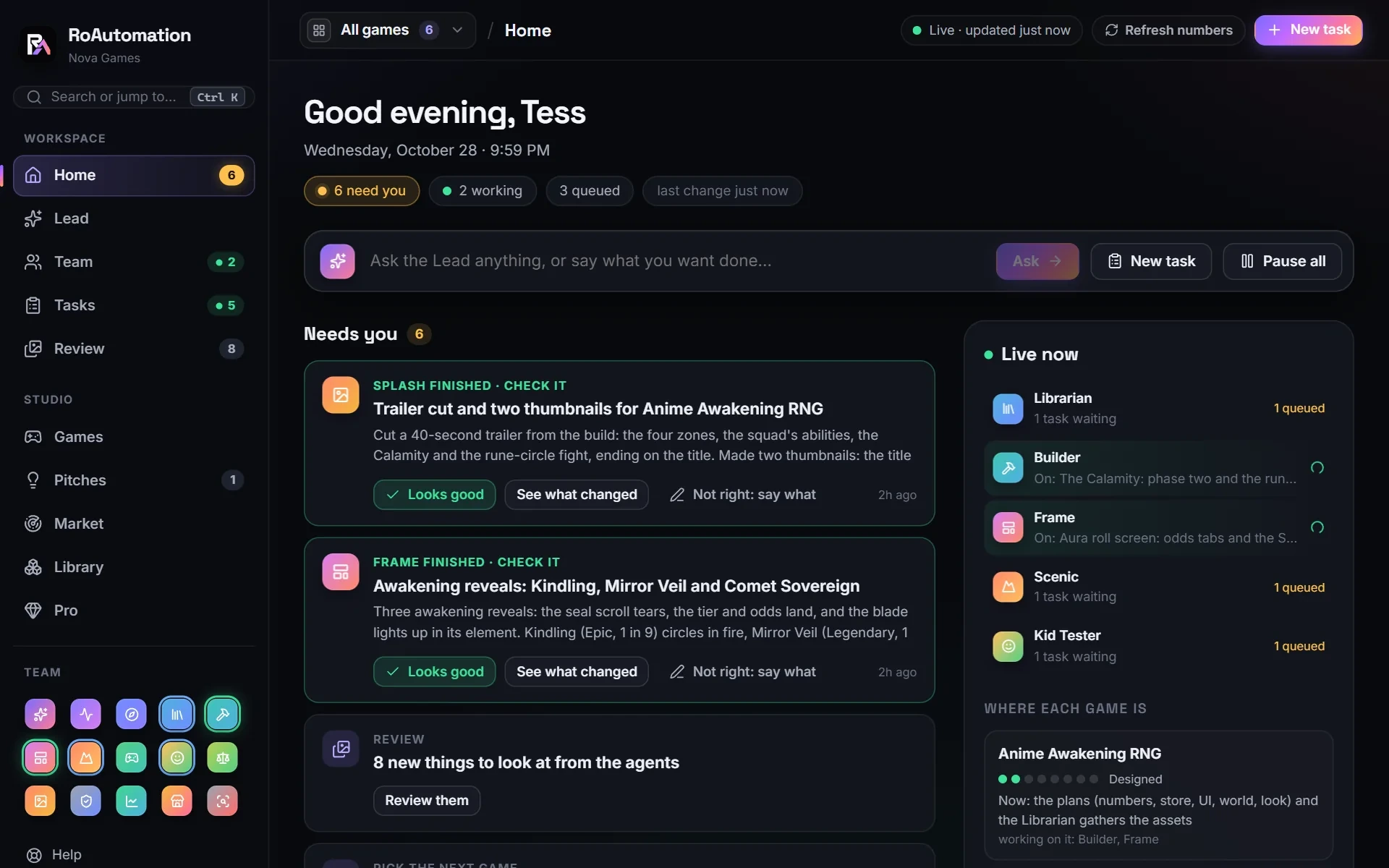
RoAutomation is a desktop app for Windows and Mac that runs a whole Roblox studio of AI agents on your own computer. You tell the Lead, your AI manager, what you want, and it hands each part to a trained specialist: Pulse reads the Roblox charts and pitches ideas, Architect writes the design, Builder codes the game in your own Roblox Studio, Frame builds the UI, Scenic builds the world and the Librarian sources the assets. Playtest and the Kid Tester play every build on PC, phones and a gamepad. Splash makes the icon and thumbnails, Merchant designs the shop, Reviewer checks for exploits and Liveops reads the live numbers after launch.
Each agent studies its own chapters of a 300,000+ word Roblox playbook, and the app comes with a library of 6,000+ free assets, templates and world packs. The agents run through Claude Code on your own Claude plan or Anthropic API key, with no credits and no caps.
Free and open versus a paid team: what you’re paying for
BloxBot costs nothing. That is its biggest strength, and we won’t pretend otherwise. If what you want is an AI agent that can act in your Studio place, on the model you choose, BloxBot gives you that for free and lets you read every line of how it works.
RoAutomation is $29 a month for Studio and $69 a month for Studio Pro, with yearly options, on top of your own Claude plan. What the money buys is everything around the agent:
- A team, not one chat. Fifteen agents with separate jobs, and a Lead that splits the work, hands it between them and brings you only the decisions that are yours.
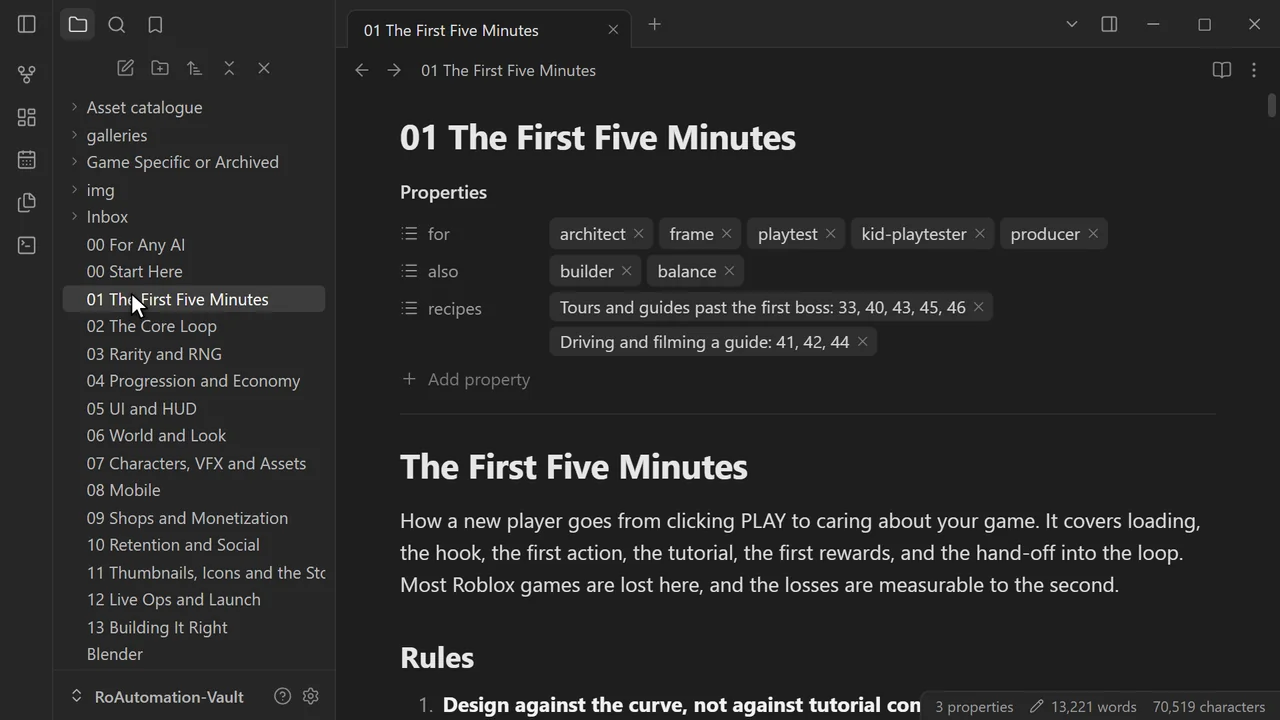
- Training. A 300,000+ word playbook the agents study, so they work from what made real Roblox games succeed.
- Testing on devices. Tester agents that play every build on PC, phones and a gamepad before you see it.
- Assets. A library of 6,000+ free assets, templates and world packs, plus 3D models, VFX and thumbnails made in the app.
- The parts that aren’t code. Trend research and pitches, a design doc, the icon and thumbnails, the shop, live ops and, on Studio Pro, TikTok promos.
See the plans for what each one includes.
Where BloxBot is the better choice
- You want free. No subscription, no card, and free models to start on.
- You want open source. MIT licensed, so you can inspect it, fork it and change it.
- You want to pick the model. Claude, GPT, Gemini, open-weight or local, switched per chat. RoAutomation runs on Claude.
- You use ChatGPT, not Claude. BloxBot can run on a ChatGPT Plus or Pro plan. RoAutomation needs a Claude plan or an Anthropic API key.
- You’re on Linux. BloxBot has a Linux build.
- You like to drive. One chat, one place, and you decide every step.
Where RoAutomation is the better choice
- You want a whole game, and don’t want to project-manage it. The Lead plans the work and the specialists build, test and fix it between them.
- You aren’t sure what to build. Pulse reads the Roblox charts and pitches games while their genres are still rising.
- You need art and a launch. Icons, thumbnails, 3D models, VFX, a store page and promos are part of the same app.
- You want it tested on phones. Most Roblox players are on phones, and the testers play every build at phone size.
- You want the know-how built in. The agents arrive trained on a Roblox playbook; with a general agent, the instructions are yours to write.
Who each one is best for
- BloxBot suits developers and tinkerers who want a free, open agent in Studio, choose their own model and are happy to direct the work themselves.
- RoAutomation suits people who want a finished, tested game and a team that also handles the idea, the art, the launch and what comes after.
- Both keep the game in your own Roblox Studio and your own Roblox account, so starting with one never locks you out of the other.
Sources
Every fact about BloxBot above was read on its own pages on 19 November 2026. If anything has changed since, their site is right and this page is out of date.
- bloxbot.ai: what it is, its features, models, the three setup steps and the licence.
- bloxbot.ai/compare: its own summary of its price, models, Studio connection and licence.
- bloxbot.ai/guide/bloxbot-setup-guide: platforms, installing, enabling Studio’s MCP server and connecting a provider.
- github.com/paralov/app-bloxbot-ai: the MIT licence and the files of release v0.15.1.
- roautomation.dev and roautomation.dev/plans: everything about RoAutomation.
Questions people ask
Is BloxBot really free?
Yes. Its site says the app is free and MIT licensed. You can start on free models, which have a usage limit, or connect a ChatGPT, Claude or OpenCode plan or an API key and pay that provider.
Is RoAutomation or BloxBot better?
BloxBot is the better free tool for putting an AI agent of your choice into Roblox Studio. RoAutomation is better when you want a trained team of 15 agents to design, build, test and launch a whole game.
Is RoAutomation open source like BloxBot?
No. RoAutomation is a paid app. BloxBot is open source under the MIT licence.
Can both use my Claude plan?
RoAutomation runs through Claude Code on your own Claude plan or Anthropic API key. BloxBot’s site says it can use a Claude Pro or Max plan through your own Claude Code login, at your own risk, and also supports ChatGPT plans, OpenCode and API keys.
How does BloxBot connect to Roblox Studio?
Through Roblox Studio’s official built-in MCP server, which you turn on in Studio’s Assistant settings. Its site says no plugin is needed.