Using Claude Code for Roblox Development
How to use Claude Code for Roblox: setting up a Rojo and Luau project, connecting it to Roblox Studio through MCP, what it does well and where a team helps.
 RoAutomation teamUpdated 5 min read
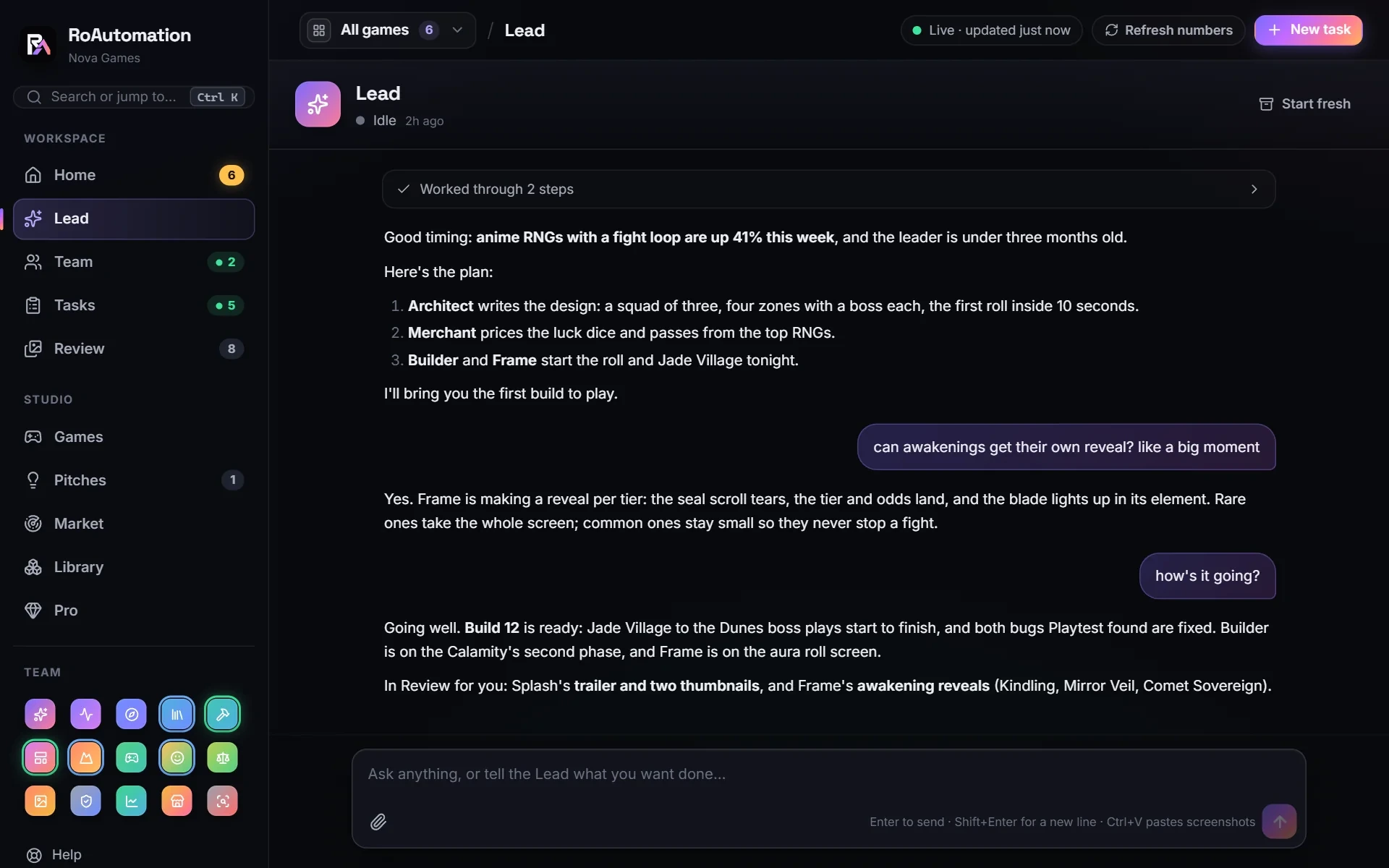
Claude Code is Anthropic’s AI coding agent: it reads your project, edits files and runs commands on your own computer. For Roblox, you keep your Luau scripts in a folder synced into Roblox Studio with Rojo, so Claude Code can work on them like any codebase, and you can connect it to Studio through an MCP server so it can also see the place and run playtests. It’s strong at engineering; for a whole game, you still need a plan, testing and someone to judge the result.
What is Claude Code?
Claude Code is an agentic coding tool from Anthropic. You run it in a project folder and describe what you want in plain words. It reads the relevant files, plans the change, edits the code, runs commands to check its work and reports back. It runs on your computer, with a paid Claude plan (Pro or higher) or an Anthropic API key.
Unlike a chat window, it works in your real project. It can search every script for where a function is used, change ten files consistently and run a linter after. Claude knows Luau and the Roblox engine API well, which makes it a natural fit for Roblox code.
What do you need to use Claude Code with Roblox?
- Claude Code, installed from Anthropic’s documentation, signed in with a paid Claude plan (Pro or higher) or an Anthropic API key.
- Roblox Studio, free, on Windows or Mac.
- Rojo, an open-source tool that syncs a folder of Luau files into Studio, plus its Studio plugin.
- Git, so every change Claude makes can be reviewed and undone.
- Optional but useful: luau-lsp for type checking in your editor, Selene for linting and StyLua for formatting.
How to set up a Roblox project for Claude Code
Roblox stores scripts inside the place file, where a coding tool can’t reach them. Rojo fixes that by making your files on disk the source of truth.
- Make a project folder and run rojo init in it. It creates a default.project.json and a src folder.
- Open default.project.json to see where each folder lands: rojo init already maps src/server to ServerScriptService, src/client to StarterPlayerScripts and src/shared to ReplicatedStorage.
- Name files by type: .server.luau for server Scripts, .client.luau for LocalScripts and plain .luau for ModuleScripts.
- Run rojo serve, open your place in Studio and press Connect in the Rojo plugin. Saved files now appear in Studio.
- Run git init and commit, so you have a clean starting point.
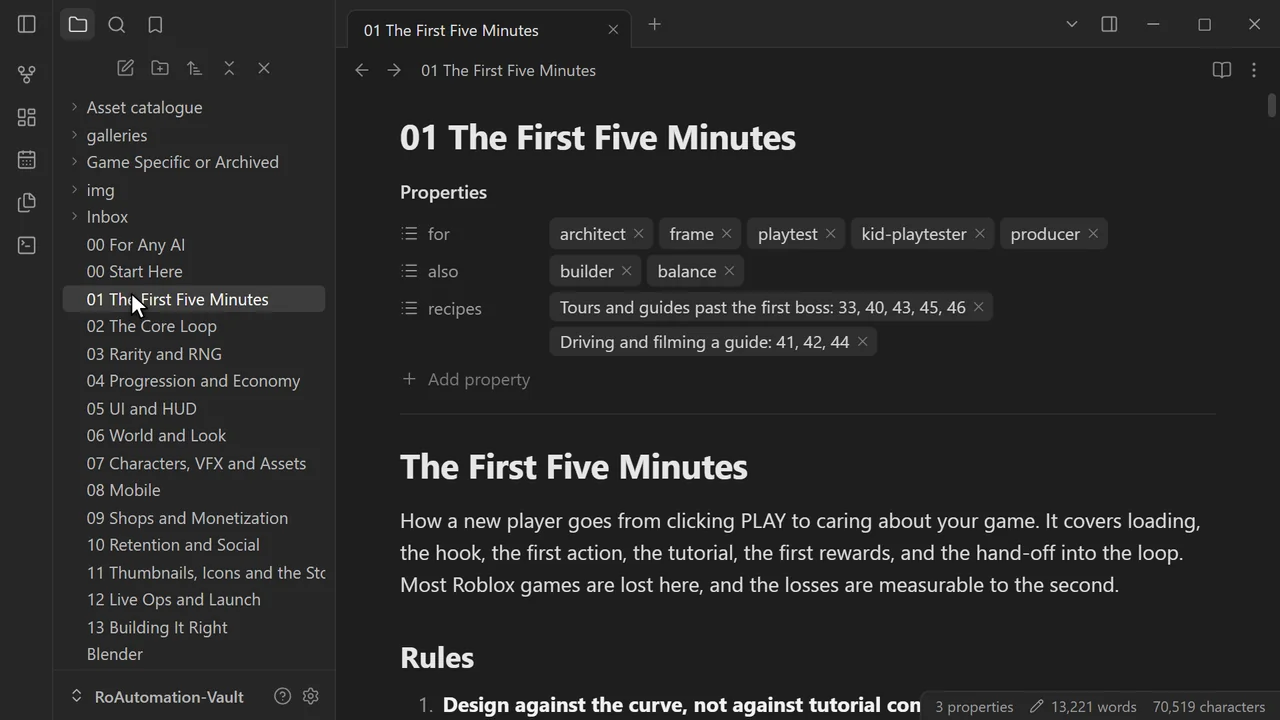
- Start claude in the folder and run /init. It writes a CLAUDE.md file describing your project, which Claude Code reads at the start of every session.
Rojo syncs code well. Maps, models and UI built in Studio’s editor usually stay in the place file, which is where a Studio connection comes in.
Connecting Claude Code to Roblox Studio with MCP
With Rojo alone, Claude Code is blind to the game itself. It can’t see the map, the UI or the Output window. An MCP server for Studio closes that gap. MCP (Model Context Protocol) is an open standard that lets an AI tool use another program’s features as tools.
Roblox Studio has an MCP server built in: turn it on in the Assistant’s Manage MCP Servers menu, then connect Claude Code with Quick connect or the setup command in Roblox’s docs. Other Studio MCP servers exist and are added with Claude Code’s claude mcp add command. Depending on the server, Claude can then read the instance tree, run Luau in Studio, insert models, start a playtest and read the logs.
That turns "here’s some code" into "I added it, ran the game, saw an error on line 40, fixed it and ran it again". It’s the biggest single upgrade you can make to Claude Code for Roblox.
What Claude Code does well in a Roblox project
- Systems code: data saving with DataStores, inventories, quests, leaderboards, round systems.
- Security: moving trust to the server, validating RemoteEvent arguments, adding cooldowns and sanity checks.
- Refactors: splitting a 2,000-line script into modules without breaking behavior.
- Typed Luau: adding types and fixing what the type checker finds.
- Explaining: reading an inherited codebase and telling you how it works before you change it.
- Debugging from logs: give it the Output text and it finds the cause.
Use plan mode for anything bigger than one feature. Claude lays out its approach first, you correct it, and only then does it edit. Small, well-scoped tasks get better results than broad ones.
Where Claude Code on its own falls short
Claude Code is one agent working on the task you give it. For a full game, gaps show up:
- You are the project manager. It does what you ask, so the design, the order of work and the priorities are on you.
- It doesn’t know what’s trending on Roblox or what a good first five minutes looks like unless you tell it.
- Art and world-building are hard from code alone. It can place parts, but style, lighting and density take direction and a library of assets.
- It checks its own work. A separate tester that plays the game on a phone catches things the builder misses.
- Everything after launch is yours: thumbnails, store page, live numbers, updates, promos.
Where a full agent team helps
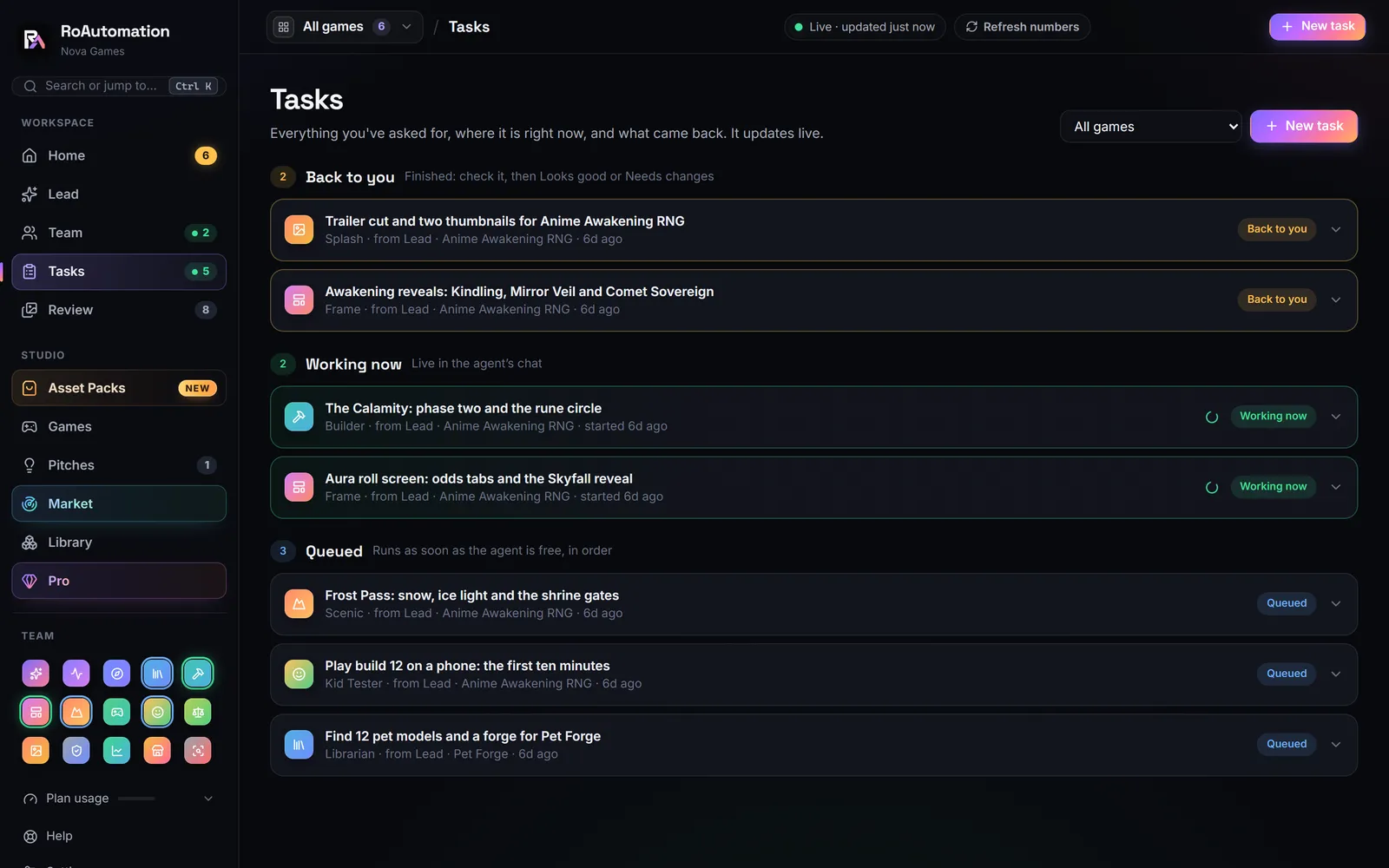
RoAutomation runs a team of 15 specialist agents through Claude Code on your own computer, on your own Claude plan or Anthropic API key, with no credits, and the agents are never capped or metered. We never see your login or key, and we never mark up your AI usage.
Instead of one agent waiting for your next prompt, you tell the Lead, your AI manager, what you want. Pulse checks what’s rising on Roblox. Architect writes the design, which you can change at any time. Builder codes it in your own Roblox Studio, Frame builds the UI, Scenic builds the world and Librarian brings the models and effects. Playtest and the Kid Tester play every build on PC, phone and gamepad. Each agent studies its own chapters of a 300,000+ word Roblox playbook and reference library first. You review the work in one app on Windows or Mac, or from your phone. See the plans.
Questions people ask
Can Claude Code make Roblox games?
Yes. It writes and edits Luau well, especially with Rojo syncing files into Studio and an MCP connection that lets it see the place and run playtests.
Does Claude know Luau?
Yes. Claude writes Luau and knows the Roblox engine API. Written project rules in a CLAUDE.md file help it match your conventions.
Do I need Rojo to use Claude Code with Roblox?
For scripts, it’s the standard way, since Rojo puts your code in files Claude Code can edit. An MCP connection to Studio covers the rest of the place.
What does Claude Code cost for Roblox development?
It runs on a paid Claude plan (Pro or higher) or an Anthropic API key. Bigger tasks and longer sessions use more of your plan.
Is RoAutomation the same as Claude Code?
No. RoAutomation is a desktop app that runs 15 specialist agents through Claude Code on your own computer and Claude plan, with a playbook, a library and a review flow around them.