What AI Agents Can Do in Roblox Studio
What AI agents can do inside Roblox Studio: how they connect through a Studio MCP server, what they build, how AI playtests a game, and where you still decide.
 RoAutomation teamUpdated 5 min read
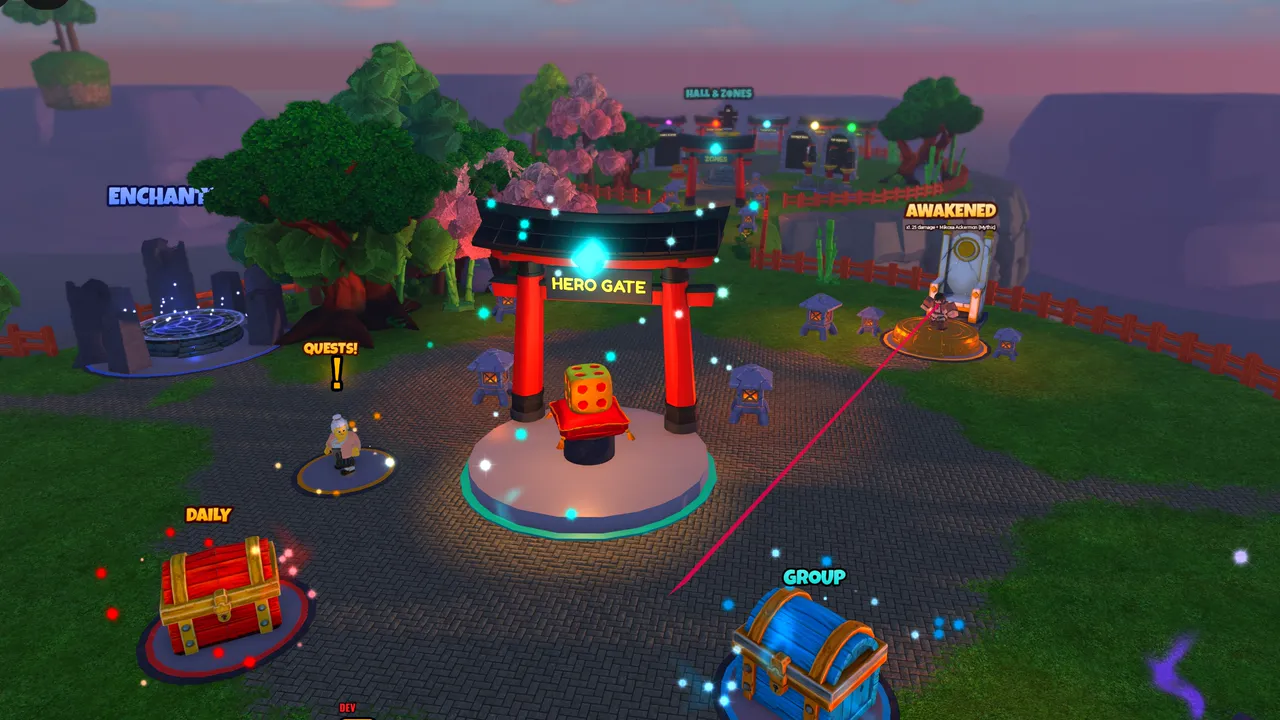
AI agents connected to Roblox Studio can read your place, write and edit scripts, build parts and UI, insert models, run Luau, start playtests and read the output, which lets them build a feature and check it themselves. Most connect through a Studio plugin or an MCP server. They still make mistakes and can’t tell whether a game is fun, so a person reviews the work and decides what ships.
What is an AI agent in Roblox Studio?
A chatbot answers. An agent acts. An AI agent works in a loop: it looks at the current state of your game, takes an action, checks the result and decides what to do next, until the task is done or it needs you.
In Roblox Studio, that means an agent can be told "add a daily reward" and then find where the player data lives, write the server script, add the UI, press Play, see an error in the Output window, fix it and play again. A chatbot would hand you code and leave the rest to you.
How do AI agents connect to Roblox Studio?
Studio is a desktop app, so an agent needs a bridge into it. There are two common ones:
- A Studio plugin that talks to a program on your computer. Studio asks you before a plugin can modify scripts or make web requests, so you stay in control of what it can touch.
- An MCP server for Studio. MCP (Model Context Protocol) is an open standard for giving AI tools access to other programs. Roblox Studio now has an MCP server built in, and others exist. An AI tool that supports MCP, such as Claude Code, can then call Studio tools directly.
Some workflows add Rojo, which syncs Luau files from a folder into Studio. The agent edits files and Rojo keeps Studio in step, while the MCP connection handles what files can’t, like the 3D world and playtests.
What can an AI agent do inside Roblox Studio?
What’s available depends on the bridge, but a well-connected agent can typically:
- Read the place: the instance tree, properties, attributes and every script.
- Write and edit scripts: server scripts, client scripts and ModuleScripts, with focused edits instead of rewriting whole files.
- Build: create parts, models, lighting settings and ScreenGuis, and set their properties.
- Insert assets: pull models from the Creator Store or your own uploads.
- Run Luau in Studio: bulk changes, checks and measurements that would take a person an hour of clicking.
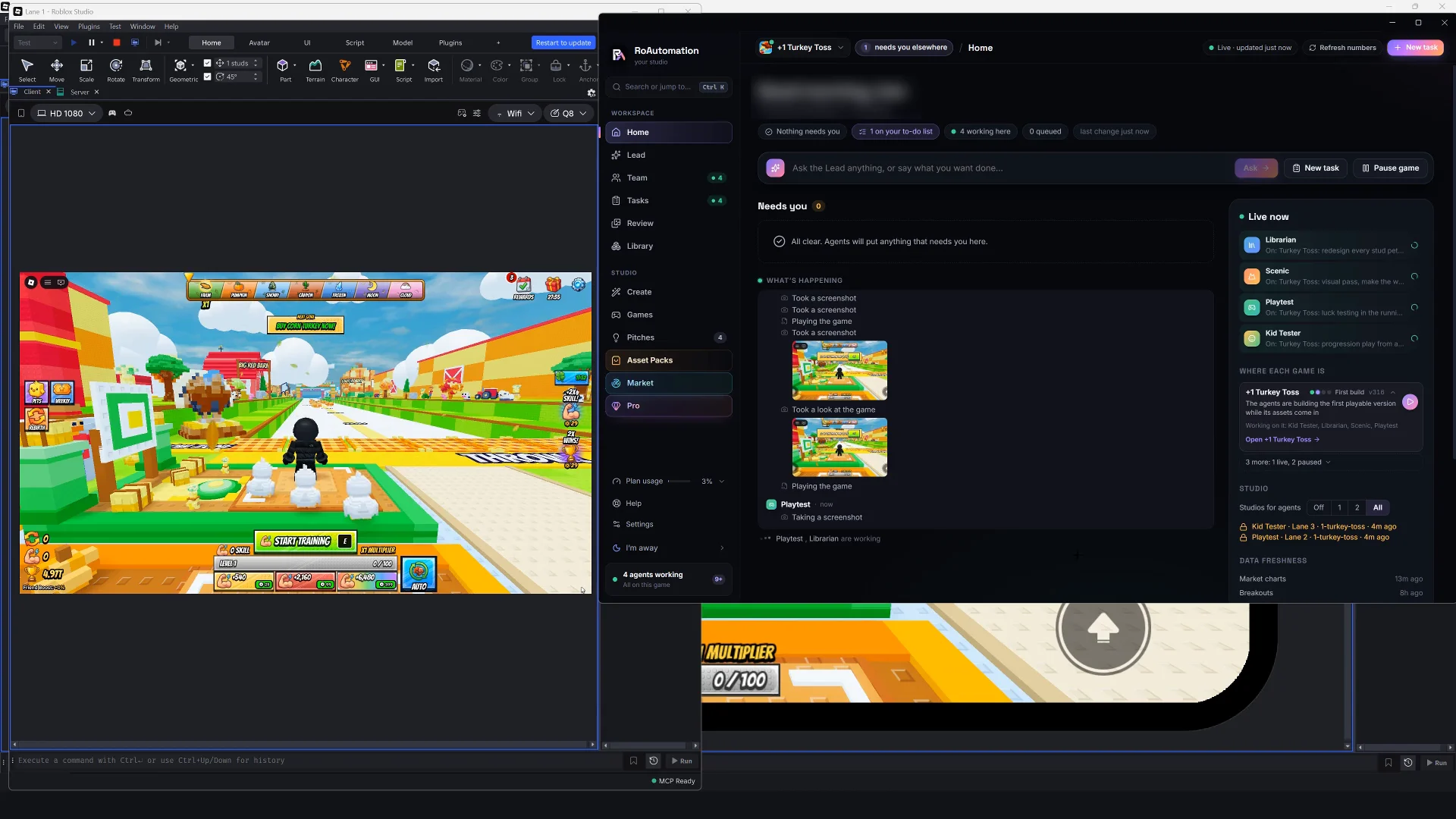
- Start playtests and read the logs: see errors and warnings from the server and the client.
- Take screenshots: look at the viewport to judge layout and lighting.
Can AI playtest a Roblox game?
Partly, and that part is valuable. An agent can start a playtest, move the character with simulated keys and clicks, open menus, trigger the core loop and read the Output for errors. It can switch Studio’s device emulator to a phone size and take a screenshot to see whether buttons are cut off or overlap. It can run several test clients to check that two players see the same thing.
What it can’t do well is feel. Whether a jump feels floaty, whether the first five minutes drag, whether a reward feels exciting: those still need a person. The best setup has agents catch the broken and the ugly, so the time you spend playing goes to the question only you can answer: is this fun?
- Agents catch well: script errors, UI cut off on small screens, things that don’t save, rewards granted twice, players spawning inside the map.
- You still judge: pacing, difficulty, how a reveal feels, whether you’d come back tomorrow.

Why one agent isn’t enough for a whole game
A single AI agent can build a feature. A whole game strains it. It has to hold the design, the code, the art direction and the test results in mind at once, and it tends to grade its own work kindly.
Splitting the work helps for the same reasons it helps human studios:
- Specialists go deeper. An agent that only does UI can carry detailed rules for HUD layout and phone screens.
- A separate tester is honest. The agent that wrote the code isn’t the best one to decide it works.
- Planning comes first. A design agent writes the plan before any code, so builders don’t improvise the economy.
- Someone keeps score. A lead agent tracks what’s done, what’s blocked and what needs you.
How do you keep an AI agent from breaking your game?
- Keep a way back. Publish to a test place first; published places keep a version history you can restore. If you use Rojo, commit to git before each task.
- Give small, clear tasks. "Fix the shop scrolling on phones" is safer than "improve the UI".
- Read what changed. A good agent setup shows you every file and object it touched.
- Keep publishing yours. Agents can build and test, but making a game public or changing prices should wait for your yes.
- Guard your keys. Roblox API keys belong in a secure settings store, never in a script or a chat.
What a full AI agent team in Roblox Studio looks like
RoAutomation runs 15 specialist agents on your own computer, through Claude Code on your own Claude plan, and they work in your own Roblox Studio. You talk to one of them, the Lead, your AI manager, and it hands each part to the right specialist:
- Architect writes the full design from your answers, and you can read it and change or drop any part of it at any time.
- Builder codes the game in Studio, Frame builds the UI, Scenic builds the terrain, lighting and life, and Librarian sources the assets.
- Playtest plays every build in Studio and on a phone and gets the bugs fixed. The Kid Tester plays on phones, PC and a gamepad and checks every screen at phone size.
- Reviewer checks that purchases are safe, saves can’t be lost and there’s nothing to exploit.
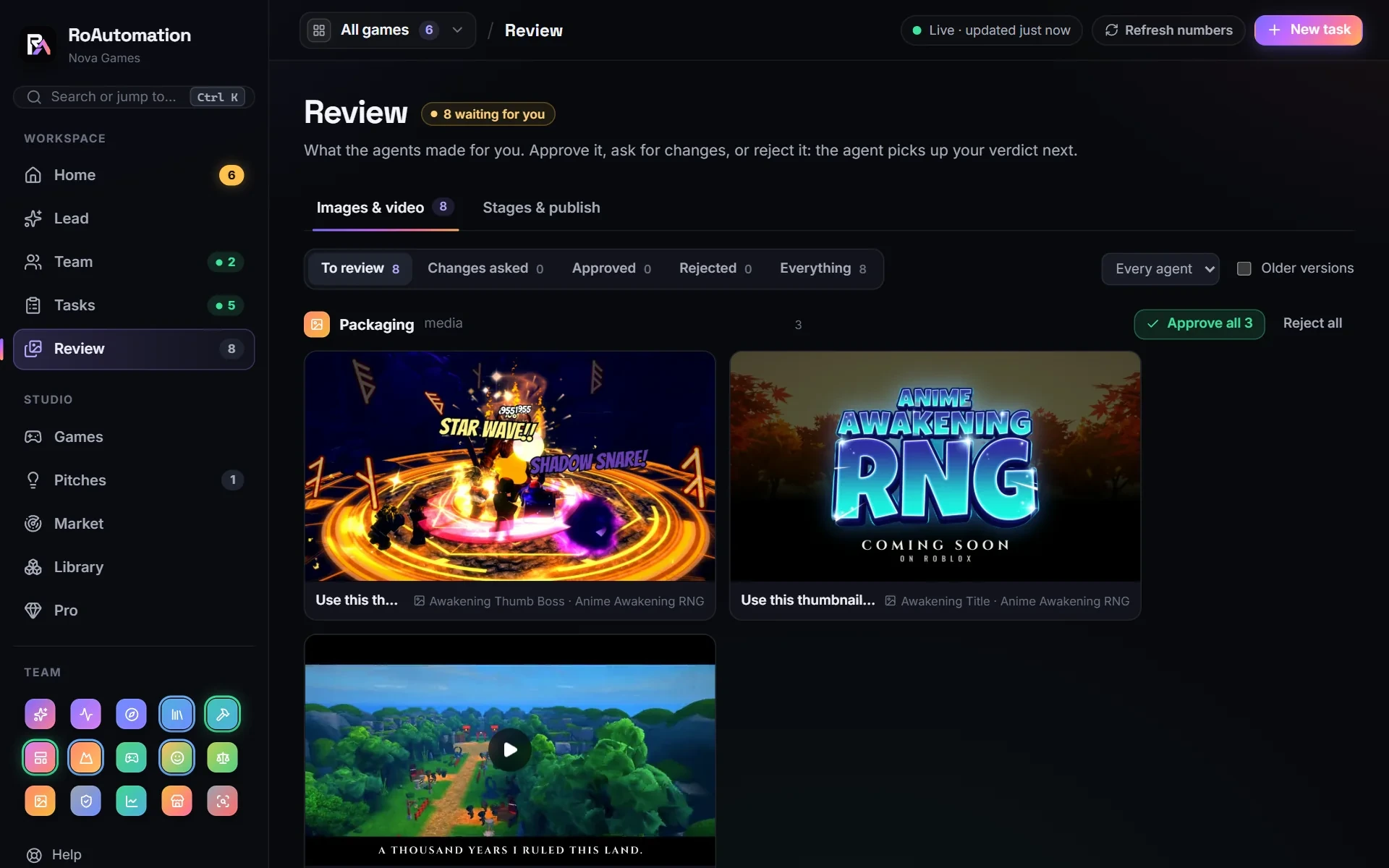
Pictures and videos land in Review, where you approve them or say what to change, and finished jobs come back to you on Tasks. The Tasks page shows who’s on what and what each job changed. See the plans or try the demo.
Questions people ask
What is the Roblox Studio MCP?
An MCP server for Roblox Studio lets AI tools that support the Model Context Protocol read and change a place, run Luau and control playtests. Roblox has published one, and others exist.
Can AI agents playtest Roblox games?
Yes, for the mechanical part: starting playtests, simulating input, reading errors and checking screens at phone sizes. Judging whether it’s fun still takes a person.
Is it safe to let an AI agent edit my Roblox place?
It’s safe with a way back. Test in a separate place, keep version history or git, review what changed and keep publishing decisions for yourself.
Do AI agents need my Roblox password?
No. Agents work in Roblox Studio and through Roblox’s Open Cloud API with a key you create. Never give any tool your Roblox password.
Can AI agents build the 3D world, not just scripts?
Yes. Through Studio they can place parts and models, set lighting and build UI. The results still need a human eye for style.