How to Make a Tycoon Game on Roblox with AI
How to make a tycoon game on Roblox with AI: plots, droppers, conveyors, collectors, buy buttons, saving and pacing, with prompts that work in Roblox Studio.
 RoAutomation teamUpdated 7 min read
To make a tycoon game on Roblox with AI, plan the purchase tree first: every button, its price and what it unlocks. Then have the AI build five systems in order in Roblox Studio: a plot each player owns, droppers that make parts, a conveyor and a collector that turn parts into cash, buy buttons that reveal the next piece, and saving that rebuilds the plot when the player returns. Keep every price in one config file, and tune until the next button is always in reach.
How does a Roblox tycoon work?
A tycoon is a machine the player builds by buying it one piece at a time. Each player gets a plot. A dropper makes parts, a conveyor carries them to a collector, the collector pays cash, and the cash buys a button that adds the next piece. The loop is watching your own base grow.
That makes two things matter more than anything else: the order things unlock in, and how long each one takes to afford. Both are decisions you make on paper before the AI writes a line.
Step 1: Plan the purchase tree
List every button the player can buy. For each one, write its price, what appears when it is bought, and which button has to be bought first. A spreadsheet or a plain list is fine:
- Dropper 1, free, needs nothing. The very first thing a player does should cost nothing and pay at once.
- Conveyor upgrade, 50 cash, needs Dropper 1.
- Dropper 2, 150 cash, needs Dropper 1.
- Walls, 400 cash, needs Dropper 2. Decoration counts: players buy how the base looks, too.
- Second floor, 2,500 cash, needs Walls.
Those prices are an example. What matters is the gap between them. Early buttons should be seconds apart, so a new player buys five things in the first minute. Later ones can take minutes. A first tycoon works with a few dozen buttons; you can add floors in updates.
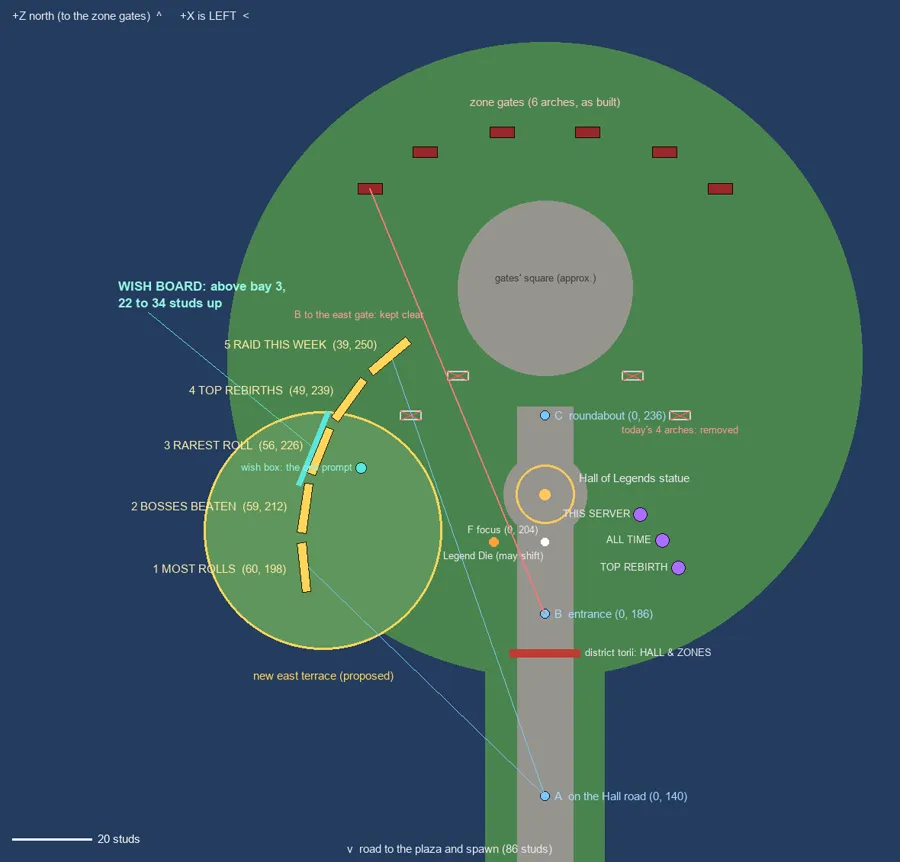
Draw the plot from above as well, even roughly. Where the droppers go decides where the conveyor runs, and the AI builds a tidier base from a plan than from a guess.
Step 2: Plots and ownership
Make one plot model and copy it for as many players as a server holds. Then ask for ownership:
“Build a PlotService on the server. When a player joins, give them the first free plot and set its Owner. Free the plot and clear what was built when they leave. Every other system must check the plot’s Owner on the server before it does anything.”
That last sentence stops the classic tycoon bugs: buying someone else’s buttons, and collecting someone else’s cash.
Step 3: Droppers, conveyors and the collector
- Dropper. A server script that, every second or two, copies a small part to the dropper’s spout and gives it a Value attribute.
- Conveyor. An anchored part with its AssemblyLinearVelocity set along the belt. The belt doesn’t move; it carries whatever touches it. This is the current way to do it, and it replaces the older velocity objects that many tutorials still show.
- Collector. A part at the end of the belt. When a dropped part touches it, the server adds that part’s Value to the plot owner’s cash and destroys the part.
- Upgraders. Optional gates over the belt that multiply a part’s Value as it passes, once each.
Watch the part count. Every dropped part is physics the server has to run. Delete parts that fall off the belt or live longer than a set time, and cap how many a plot can have at once. On a busy server, a large tycoon can skip the parts for its later droppers and pay their income directly on a timer.
Step 5: Save the plot
A tycoon that forgets a player’s base loses that player. Save two things: their cash and the list of button ids they have bought. When they return, give them a plot and rebuild it from the list.
- Use DataStoreService, with every load and save wrapped in pcall.
- Save on leaving, on server shutdown (BindToClose) and on a timer.
- If loading fails, don’t hand out an empty plot that will overwrite the real save.
- Test it: buy six buttons, leave, rejoin, and check all six are back.
Step 6: Pacing, rebirths and the shop
With the systems in, play from a new save with a stopwatch. Write down how long each button took to afford. Wherever you waited with nothing to do, lower a price or raise an income. This one pass does more for a tycoon than any feature.
- Rebirth. When the base is complete, let the player start again with a cash multiplier. It turns a game that ends into one that repeats.
- Passes. Roblox’s docs describe passes as a one-time fee for a permanent privilege. In a tycoon that is usually double cash or auto-collect.
- Developer products. For things bought more than once, like a cash pack or a timed boost.
- Phone. Make buttons big enough to walk onto with a thumbstick, and labels readable on a small screen.
Having a team of agents build it
You can build a tycoon this way with any AI and Roblox Studio, one prompt per system. RoAutomation runs the same steps as a team. Architect writes the purchase tree and draws the plot plan. Balance sets the prices and checks the time between buttons. Builder codes the plots, droppers, buttons and saving in your own Roblox Studio. Scenic dresses the base and the map, Frame builds the HUD and the shop, and Playtest plays every build on PC and phone and reports where it waited too long.
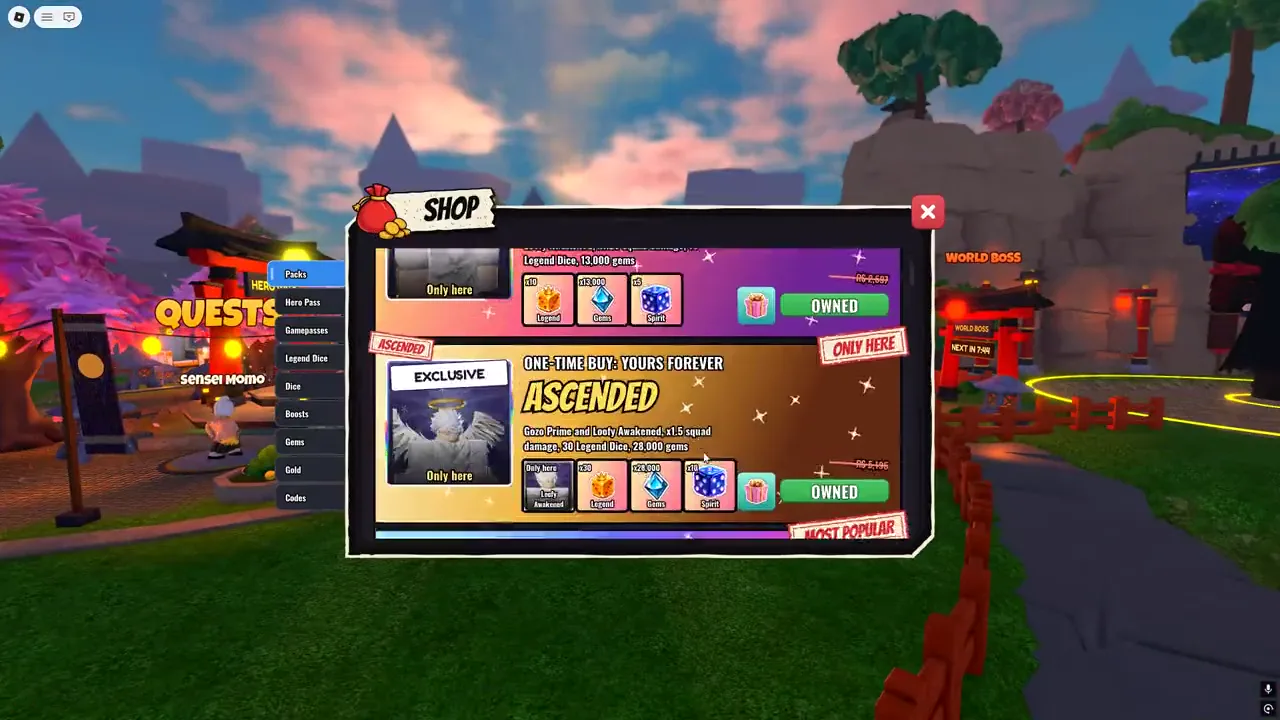
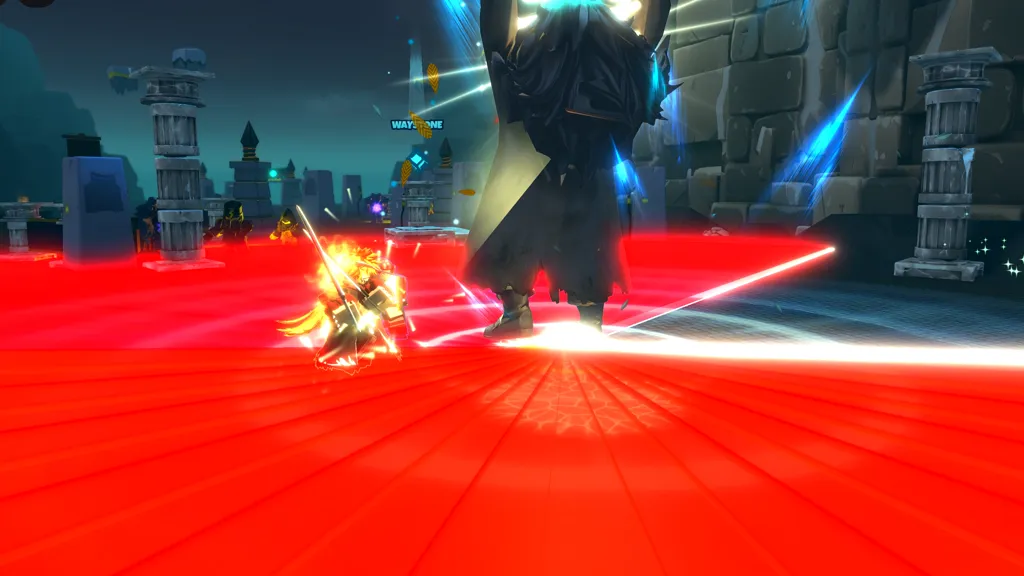
The pictures on this page are from other games our agents built, not a tycoon: we would rather show real work than a mock-up. See the plans to start your own, or run a game you already have through the free Game Review.
Questions people ask
Can AI make a tycoon game on Roblox?
Yes. AI can write plots, droppers, conveyors, collectors, buy buttons and saving in Luau. It works best from a written purchase tree, building one system at a time with a playtest after each.
How do I make a conveyor in Roblox Studio?
Anchor a part and set its AssemblyLinearVelocity in the direction the belt should carry things. The part stays still, and anything touching it is moved along.
How do I save a tycoon in Roblox?
Save the player’s cash and the list of buttons they have bought with DataStoreService. When they rejoin, assign a plot and rebuild it from that list.
Why does my Roblox tycoon lag?
Usually too many dropped parts. Delete parts that leave the belt or live too long, cap parts per plot, and pay later droppers’ income on a timer instead of with physical parts.
How many buttons should a tycoon have?
A first version works with a few dozen. What matters more is the time between them: seconds apart at the start, minutes later on.