How to Make a Roblox Game with AI
A step-by-step guide to making a Roblox game with AI: picking the idea, building the core loop in Roblox Studio, playtesting on every device and publishing.
 RoAutomation teamUpdated 6 min read
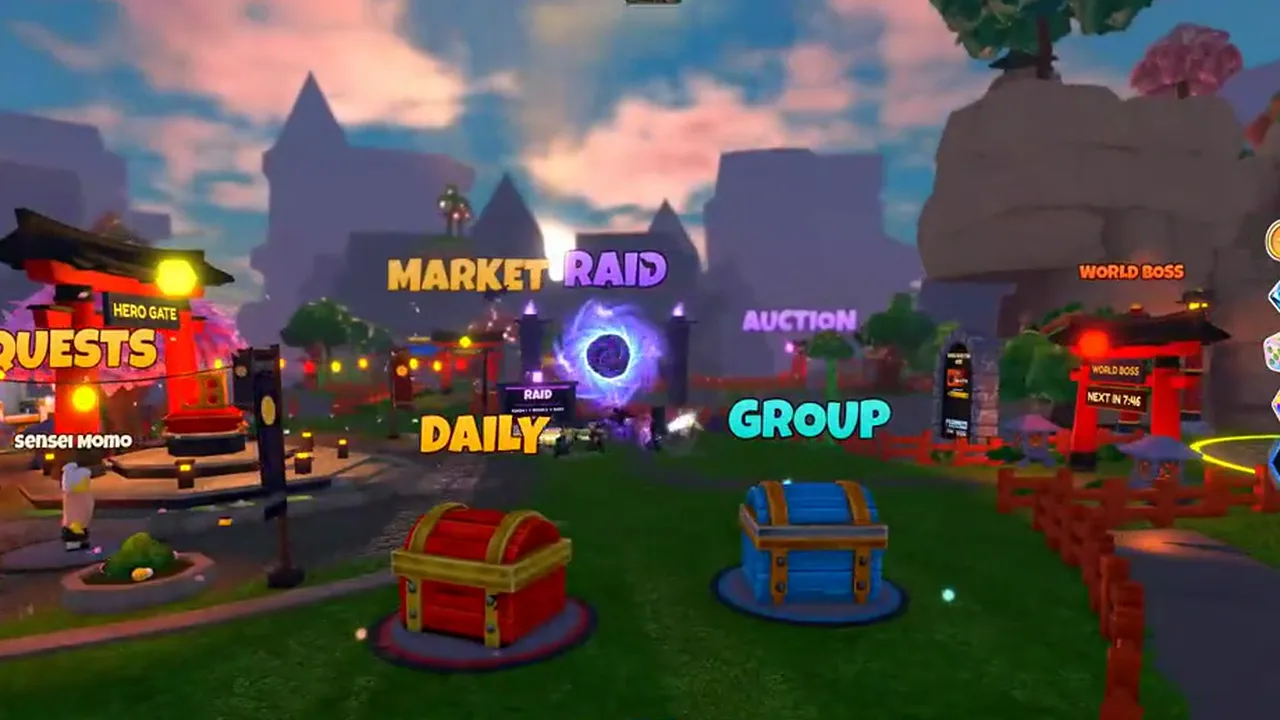
To make a Roblox game with AI, pick an idea players already want, write a short design, then have an AI tool build it in Roblox Studio in small, testable pieces: the core loop first, then the UI, the world and the shop. You playtest every build on PC and phone, and you publish only when you’re happy with it. The AI does the typing; you still decide what’s fun and what ships.
Can you really make a Roblox game with AI?
Yes. AI can now write Luau, the language Roblox games are scripted in, build parts and UI in Roblox Studio, and test what it built. People with no coding background are making real, playable games this way.
What AI can’t do is turn one sentence into a hit. A game is hundreds of decisions: how fast a player levels up, what the shop sells, where the buttons sit on a small phone. A short prompt leaves all of those to chance. The games that turn out well come from a clear plan, small steps and someone who plays every build and says what’s wrong.
What do you need before you start?
- A Roblox account and Roblox Studio. Studio is Roblox’s free editor for Windows and Mac. It’s where Roblox games are built, and the usual way to publish them.
- An AI tool. That can be Studio’s built-in Assistant, a code assistant like Claude Code, or a team of agents. Our guide to the kinds of AI tools for Roblox compares them.
- An idea with a clear loop. One sentence that says what the player does over and over, and why they come back.
- A few hours a week to play and judge. This is the part you can’t hand off.
A few Roblox words help you read what the AI tells you. A place is one map with its scripts; an experience is the game players see, made of one or more places. Server scripts run on Roblox’s servers and own the truth (coins, inventory, damage). Client scripts run on the player’s device and handle input and UI. RemoteEvents carry messages between the two. DataStores save player data between sessions.
Step 1: Pick the idea and write a one-page design
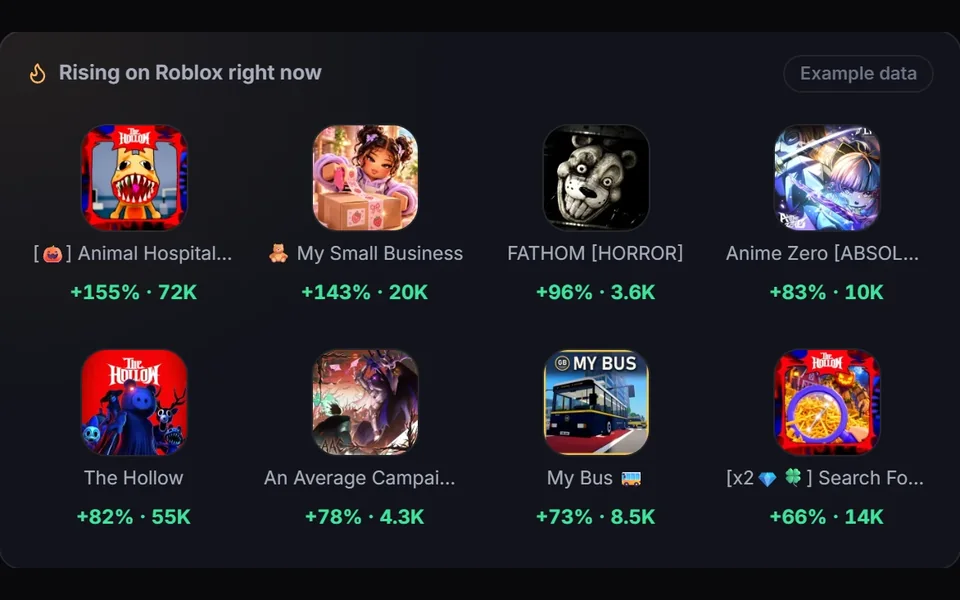
Start from what players are already playing. A genre that’s climbing on Roblox’s charts means the audience exists. Then find your own angle on it. Our guide to finding a trending Roblox game idea walks through it.
Before any code, write one page the AI will work from:
- The core loop in three verbs, like roll, fight, upgrade.
- The first five minutes: what a new player sees, does and earns. Most players decide in this window whether they stay.
- Progression: what they unlock, and roughly how long each step takes.
- The shop: game passes and developer products, and why someone would buy each one.
- What it is not: features you’re leaving out of the first version.
A design like this does more for the result than any clever prompt. Every later request can point back to it.
Step 2: Build the core loop first
Ask for the smallest version of the game that’s fun, and get it working before anything else. A good order:
- A plain blockout of the map: simple parts where the spawn, the main area and the shop will go.
- The core loop on the server, in ServerScriptService: the action, the reward, the numbers.
- Saving with DataStores, so progress survives a rejoin. Ask for calls wrapped in pcall with retries, and a save when the player leaves and when the server shuts down.
- The client side: input, a basic HUD and the RemoteEvents that connect them to the server.
- Only then the extras: the shop, quests, pets, rebirths.
Keep each request small and specific. "Add a sell pad that converts backpack items to coins at the rate in the design" works. "Make the economy better" doesn’t.
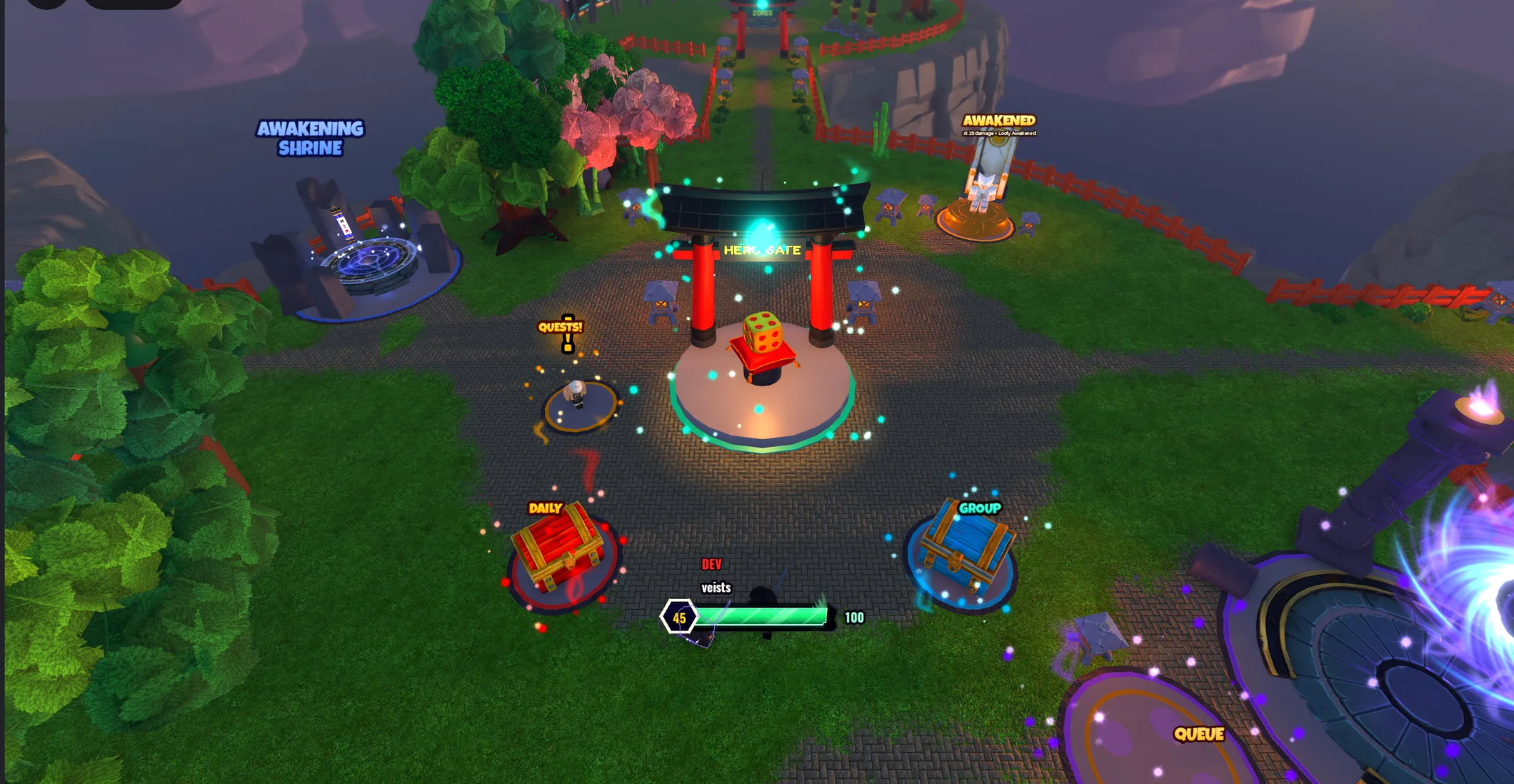
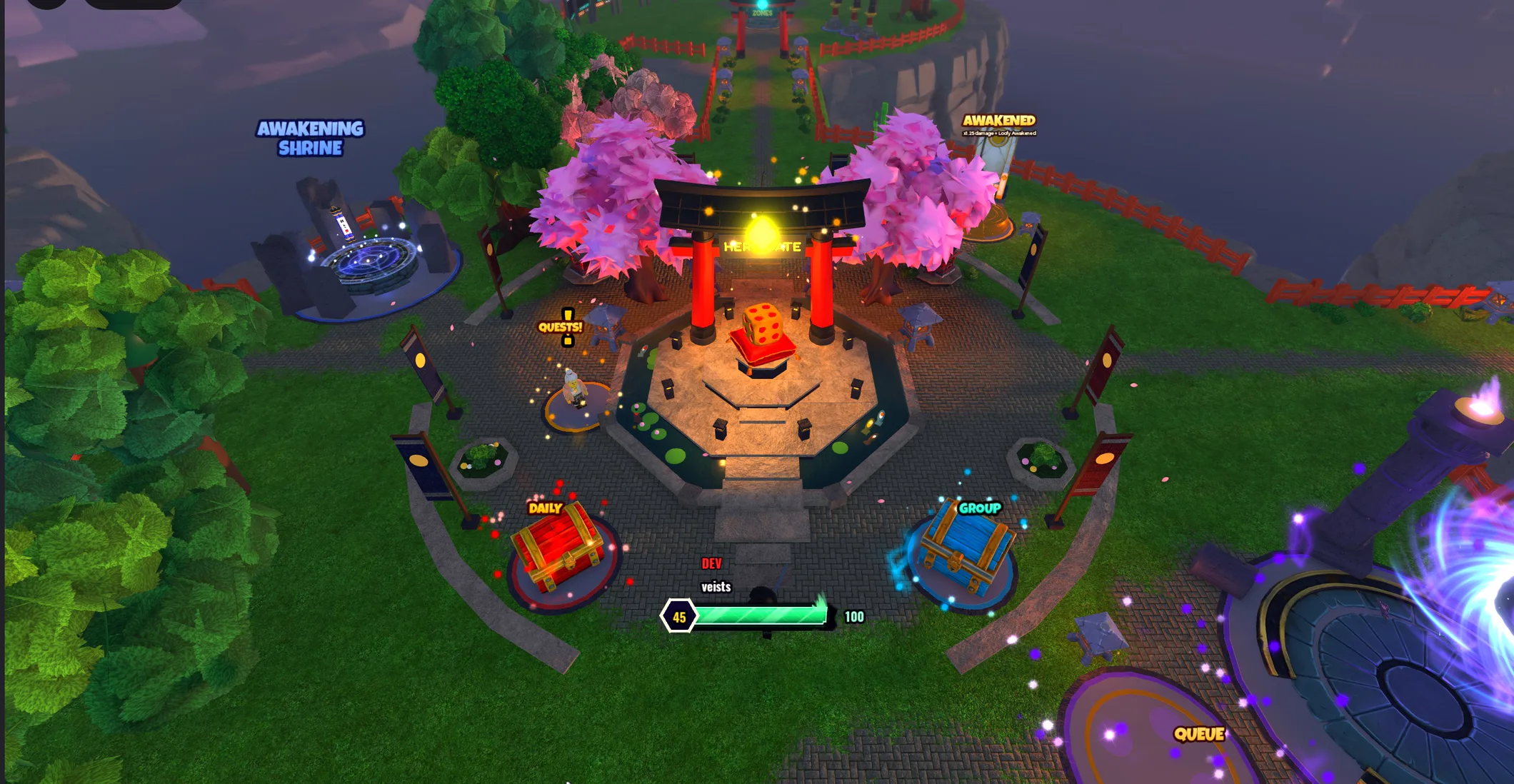
Step 3: Playtest every build, on every device
Press Play in Studio after every change and read the Output window. Red errors there are the fastest way to tell the AI what broke. Then check what players will actually use:
- Phones. Many Roblox players are on a phone. Studio’s device emulator shows your UI at phone sizes. Look for buttons cut off at the edges or hidden under the thumbstick.
- More than one player. Studio can start a local server with several test clients. Bugs in trading, leaderboards and shared objects only show up there.
- A rejoin. Leave and come back. If progress didn’t save, fix it before anything else.
- The first five minutes, played fresh. Reset your data and play it like a new player would.
Describe bugs the way you saw them: what you did, what you expected and what happened. That gets a fix in one round instead of five.

Step 4: Make it look and feel finished
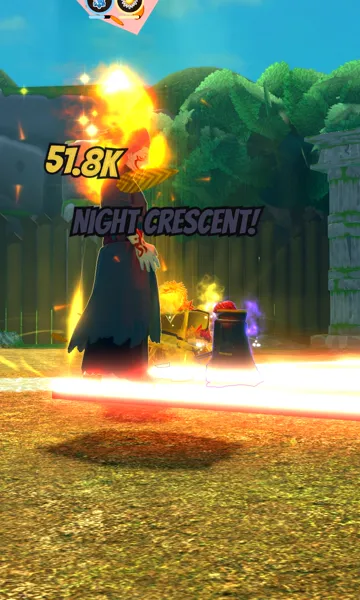
Players judge a game in seconds. A working game with default lighting and a debug-looking UI loses them before the loop gets a chance. A few rules from our agents’ Roblox playbook:
- Never ship default lighting. Shadows on, a tinted sky and a little haze give a world depth before a single prop is placed.
- Give the HUD fixed zones. Menus in a compact group on one edge, currencies in a corner, the main action button where the thumb rests.
- Make rewards feel like rewards. A rare drop should take over the screen for a moment, with sound.
- Use real assets. Grey placeholder blocks read as unfinished. Pull models from a library you trust, or make them.
Step 5: Publish, then keep improving
Publishing from Studio uploads your place to Roblox as an experience. New experiences start private: only you, people you give edit access and permitted group members can join, so you can test the live version before you release it. Before you release it, set the name, description, icon and thumbnails and answer Roblox’s Content Ratings Questionnaire. Releasing also needs an account at least 2 days old and an age check. Reaching players of all ages needs more, such as 2-step verification and a review, so check Roblox’s current publishing requirements.
After launch, the Creator Dashboard shows how many players come, how long they stay and whether they return. Day-one retention, the share of new players who come back the next day, tells you more than visits do. If players leave in the first few minutes, fix the start before adding content.
Most successful Roblox games are built after launch, one update at a time. Plan small, regular updates instead of one giant one.

Can you make a Roblox game without coding?
Yes, if the AI does the code and you do the directing. You still need to read errors in plain words, describe bugs clearly and judge whether the game is fun. Knowing Roblox helps you judge the work, even if you never write a line of Luau.
RoAutomation is built for exactly this. It’s a desktop app for Windows and Mac where you tell your AI manager, the Lead, what you want, and a team of 15 specialist agents designs, builds and tests the game in your own Roblox Studio. The Architect writes the design from your answers, and you can change any part of it. Playtest and the Kid Tester play every build on PC, phone and gamepad, and Reviewer checks purchases and saves for exploits. Pictures and clips come to you in Review, and nothing goes live without your yes. It runs on your own Claude plan, with no credits. See the plans, or try the demo.
Questions people ask
Can AI make a whole Roblox game from one prompt?
Not a good one. One prompt can produce a basic, playable start. A game players stay in takes a design, many small build steps and a person who playtests and gives feedback.
Is it free to make a Roblox game with AI?
Roblox Studio is free, and Studio has a built-in Assistant. More capable AI tools usually need a paid AI plan or a subscription.
What language are Roblox games written in?
Luau, a fast, typed version of Lua made by Roblox. AI tools write it well, as long as they follow Roblox’s server and client rules.
Do I own a game made with AI?
The game lives in your own Roblox account. With RoAutomation, you own every game 100%, and it never takes a cut of what your games earn.
How long does it take to make a Roblox game with AI?
A simple playable version can come together quickly. A polished game with saving, a shop, phone support and a strong first five minutes takes many rounds of building and testing.