RoAutomation vs ForgeGUI: What Each One Does (2026)
RoAutomation vs ForgeGUI from each tool’s own site: an AI asset generator for game UI, thumbnails and 3D, next to 15 agents that build the whole Roblox game.
 RoAutomation teamUpdated 6 min read
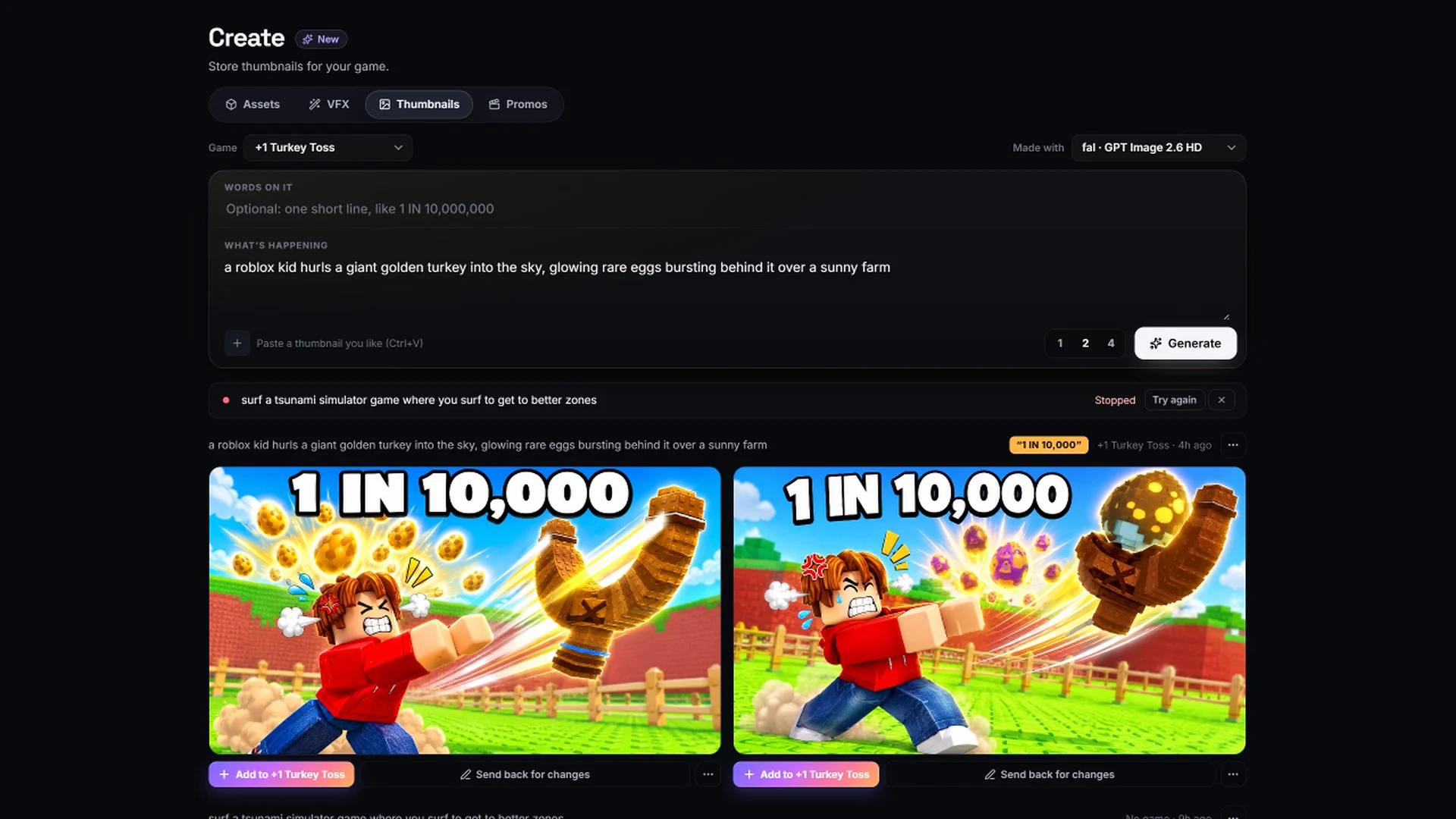
ForgeGUI and RoAutomation mostly do different jobs. ForgeGUI is a browser tool that generates game assets with AI, such as GUI sets, thumbnails, icons, characters and 3D models, on a credit plan that starts free. RoAutomation is a desktop app whose 15 agents design, build and test a whole Roblox game in your own Roblox Studio. ForgeGUI’s home page now also says “Make any game using AI”, but as of 19 November 2026 its site doesn’t explain how that works, so we compare only what is public.
RoAutomation vs ForgeGUI at a glance
This isn’t a like-for-like match, and it would be unfair to pretend it is. One makes art for games on many engines. The other makes Roblox games. The ForgeGUI column is from ForgeGUI’s own site as read on 19 November 2026; the sources are listed at the end.
| Compared | RoAutomation | ForgeGUI |
|---|---|---|
| What it is | A desktop app that runs a studio of 15 specialist AI agents | In its own words, “an AI design platform for game creators”, used in the browser |
| What it makes | A whole Roblox game: design, code, world, UI, tests, launch art and promos | Game assets: GUI, thumbnails, icons, characters and 3D models |
| Engines | Roblox | Its site names Roblox, UEFN, Unity, Unreal and more |
| Gets into Roblox Studio how? | The agents work in your own Studio directly | You export files (its docs cover exporting to Studio) or use ForgeMCP |
| AI models | Claude, through Claude Code on your own Claude plan or Anthropic API key | “Every top AI Model”, not named on its site |
| Price | Studio $29 a month, Studio Pro $69 a month, plus your own Claude plan | Free with 10,000 credits a month; Creator $22, Pro $50, Studio $200 a month |
| Credits or caps? | None for the agents. Studio includes 10 thumbnails and 10 VFX a month; Studio Pro is unlimited | Yes, credits for every generation |
| Open source? | No | Not stated on its site |
What is ForgeGUI?
ForgeGUI’s FAQ puts it in one line: “ForgeGUI is an AI design platform for game creators.” Its own summary for AI assistants says it helps developers generate GUI, 3D models, thumbnails and characters for platforms like Roblox, UEFN, Unreal and Unity. You describe the asset you want, upload references to steer the style, and export the result.
- Docs. Its documentation covers generating a first asset, writing prompts, building a full GUI kit from one base frame, exporting to Roblox Studio, and workflows for other engines.
- Ownership. Its FAQ says assets you create are fully yours.
- Privacy of what you make. Its FAQ says free generations may be public with consent, and paid generations are private by default.
- Community. A catalogue of community assets, and a claim of more than 1.4 million creators on its home page.
Its plans page lists four tiers. Free is $0 with 10,000 credits a month, image generations only and basic models, with MCP and API access and commercial use rights. Creator is $22 a month for 150,000 credits, removes watermarks and adds advanced models. Pro is $50 a month for 350,000 credits and all models. Studio is $200 a month for 1.25 million credits. Each paid tier is cheaper billed yearly.
Does ForgeGUI make whole Roblox games?
This is the part to be careful with. ForgeGUI’s home page now has a section headed “Make any game using AI”, with the line “ForgeMCP lets you build anywhere” and example prompts such as “Make a desert adventure game” and “Make a team FPS game”.
Here is what we could and couldn’t confirm from its public site on 19 November 2026:
- Public: the section itself, the example prompts, and that ForgeMCP is described as free. MCP and API access are listed on the Free plan.
- Not public yet: how a game is built, whether it runs in the browser or in your own Roblox Studio, what a game costs in credits, whether it tests what it builds, and when it is fully open. The buttons in that section lead to a sign-up page, and the documentation pages don’t cover game making.
So this page doesn’t compare game building. That has to wait until ForgeGUI publishes how it works.
What is RoAutomation?
RoAutomation is a desktop app for Windows and Mac that runs a whole Roblox studio of AI agents on your own computer. You tell the Lead, your AI manager, what you want. Architect writes the design, Builder codes the game in your own Roblox Studio, Frame builds the UI as real, working screens, Scenic builds the world and the Librarian sources the assets. Playtest and the Kid Tester play every build on PC, phones and a gamepad, and Splash makes the icon and thumbnails.
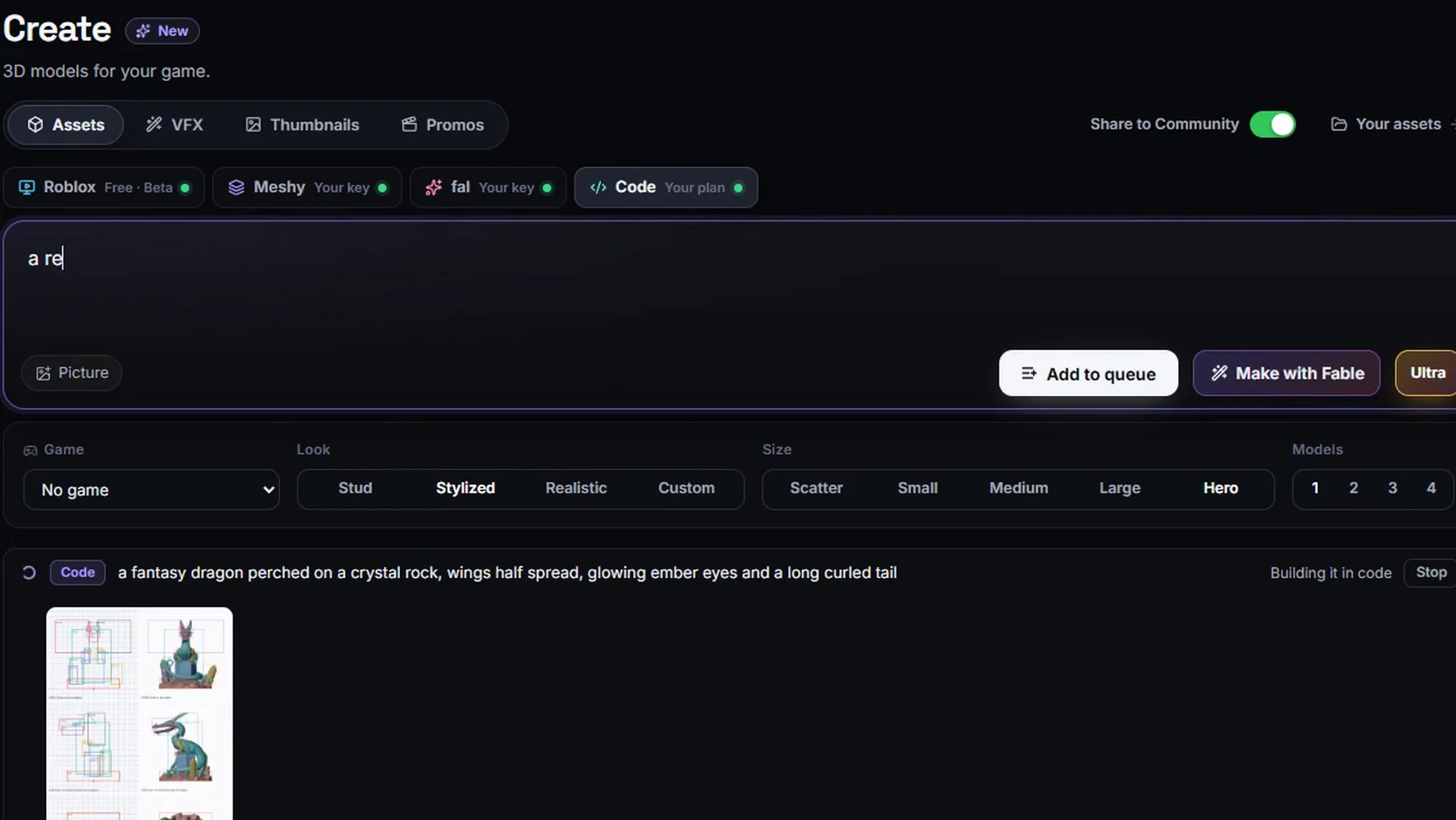
The agents run through Claude Code on your own Claude plan or Anthropic API key, with no credits. The app’s Create tab makes 3D models, VFX and thumbnails; thumbnails run on your own image key. You own every game.
Where ForgeGUI is the better choice
- You only need art. If your game is built and you want a GUI kit, a thumbnail or an icon, an asset generator is the direct route.
- You work outside Roblox. ForgeGUI’s site names UEFN, Unity and Unreal. RoAutomation is for Roblox.
- You want to start free. 10,000 credits a month on the free plan, with nothing to install.
- You want a style locked across a set. Its reference upload is built for keeping one look across many assets.
- You don’t want a desktop app. ForgeGUI runs in the browser.
Where RoAutomation is the better choice
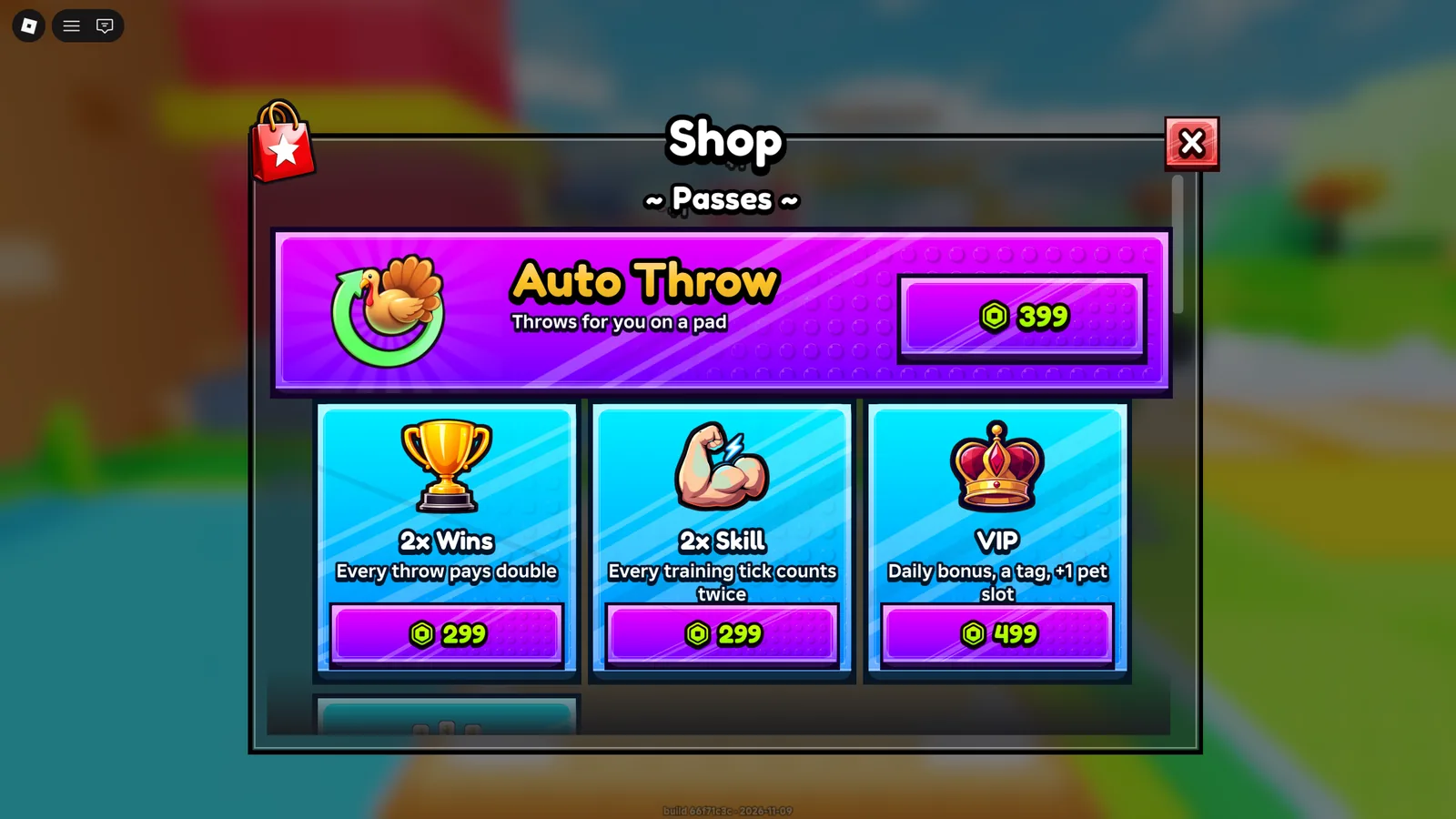
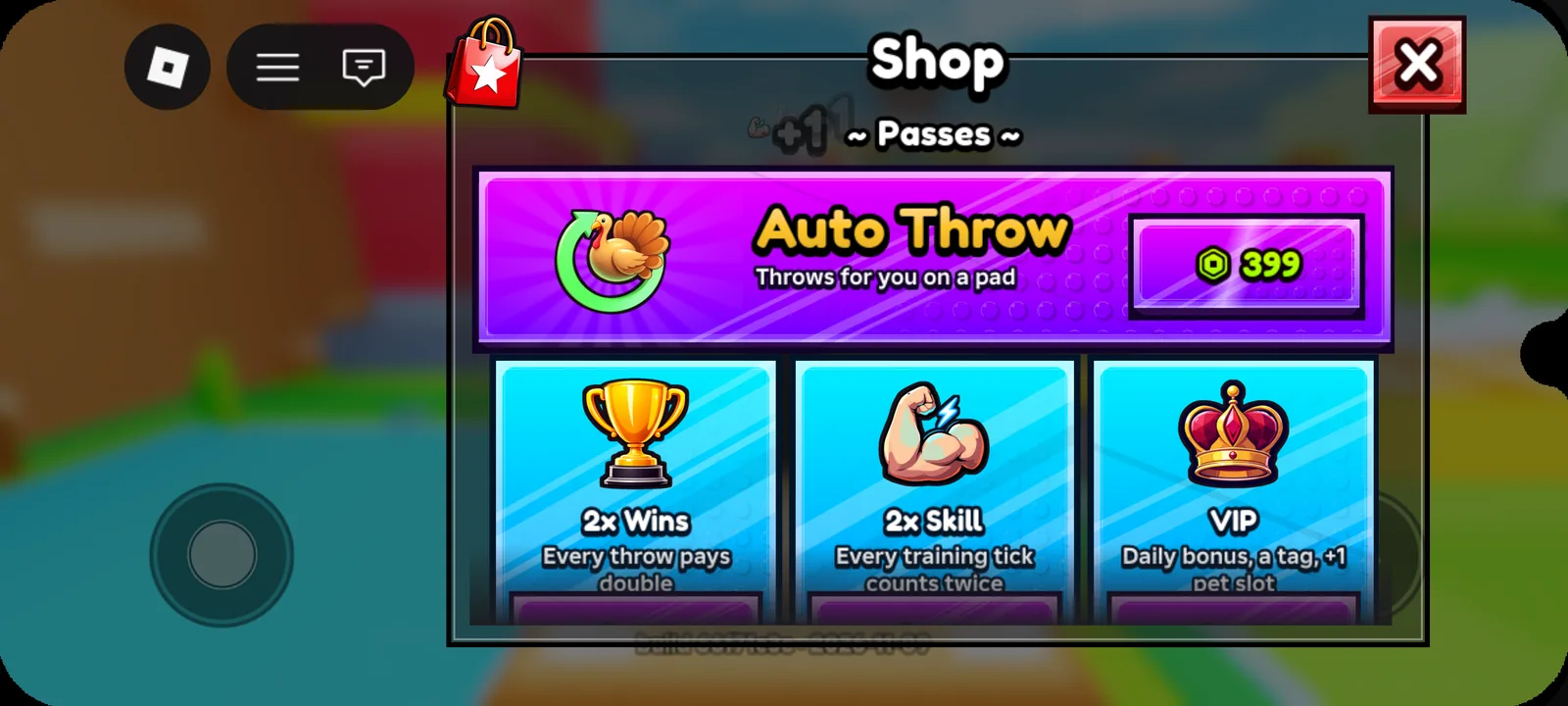
- You want the game, not just the pictures. A generated UI image still has to be rebuilt as working screens in Studio. In RoAutomation, Frame builds the UI in the game and the testers check it at phone size.
- You want it to work in your own Studio. The agents build, script and playtest in the place on your own computer.
- You don’t want credits. The agents aren’t metered. They run on your own Claude plan.
- You want the whole path. A trending idea, a design, a build, tests, a store page and promos from one team.
Who each one is best for
- ForgeGUI suits artists and developers on any engine who need UI art, thumbnails, icons or 3D assets quickly, and are happy to put them into the game themselves.
- RoAutomation suits people who want a Roblox game designed, built, tested and launched, with the UI and art made as part of it.
If you already have a game and want to know what to fix first, our free Game Review scores it from public Roblox data, thumbnail included. To have a team build the next one, see the plans.
Sources
Every fact about ForgeGUI above was read on its own site on 19 November 2026. If anything has changed since, their site is right and this page is out of date.
- forgegui.com: what it is, the “Make any game using AI” section, its FAQ and the creator count.
- forgegui.com/plans: the Free, Creator, Pro and Studio tiers and their credits.
- forgegui.com/docs: the list of documentation guides.
- forgegui.com/llms.txt: its own one-line description of what it generates.
- roautomation.dev and roautomation.dev/plans: everything about RoAutomation.
Questions people ask
Is ForgeGUI the same kind of tool as RoAutomation?
No. ForgeGUI generates game assets such as GUI, thumbnails, icons and 3D models in the browser. RoAutomation is a desktop app with 15 AI agents that design, build and test a whole Roblox game in your own Roblox Studio.
How much does ForgeGUI cost?
Its plans page, read on 19 November 2026, lists a Free tier with 10,000 credits a month, Creator at $22 a month, Pro at $50 and Studio at $200, each cheaper billed yearly.
Can ForgeGUI make a whole Roblox game?
Its home page says “Make any game using AI” and mentions ForgeMCP, but as of 19 November 2026 its public site doesn’t explain how game making works, what it costs or when it is fully open. Its documentation covers generating and exporting assets.
Can I use ForgeGUI art in a game RoAutomation builds?
Yes. ForgeGUI’s FAQ says the assets you create are yours. Hand the files to the Lead, your AI manager, and tell it to use them.
Does RoAutomation make UI and thumbnails too?
Yes. Frame builds the game’s UI as working screens in Studio, and Splash makes the icon and thumbnails. Studio includes 10 thumbnails a month and Studio Pro is unlimited.