AI Tools for Roblox Development: What Each Kind Does
The five kinds of AI tools for Roblox development, from Studio’s built-in Assistant to agent studios, what each is good and bad at, and how to choose.
 RoAutomation teamUpdated 5 min read
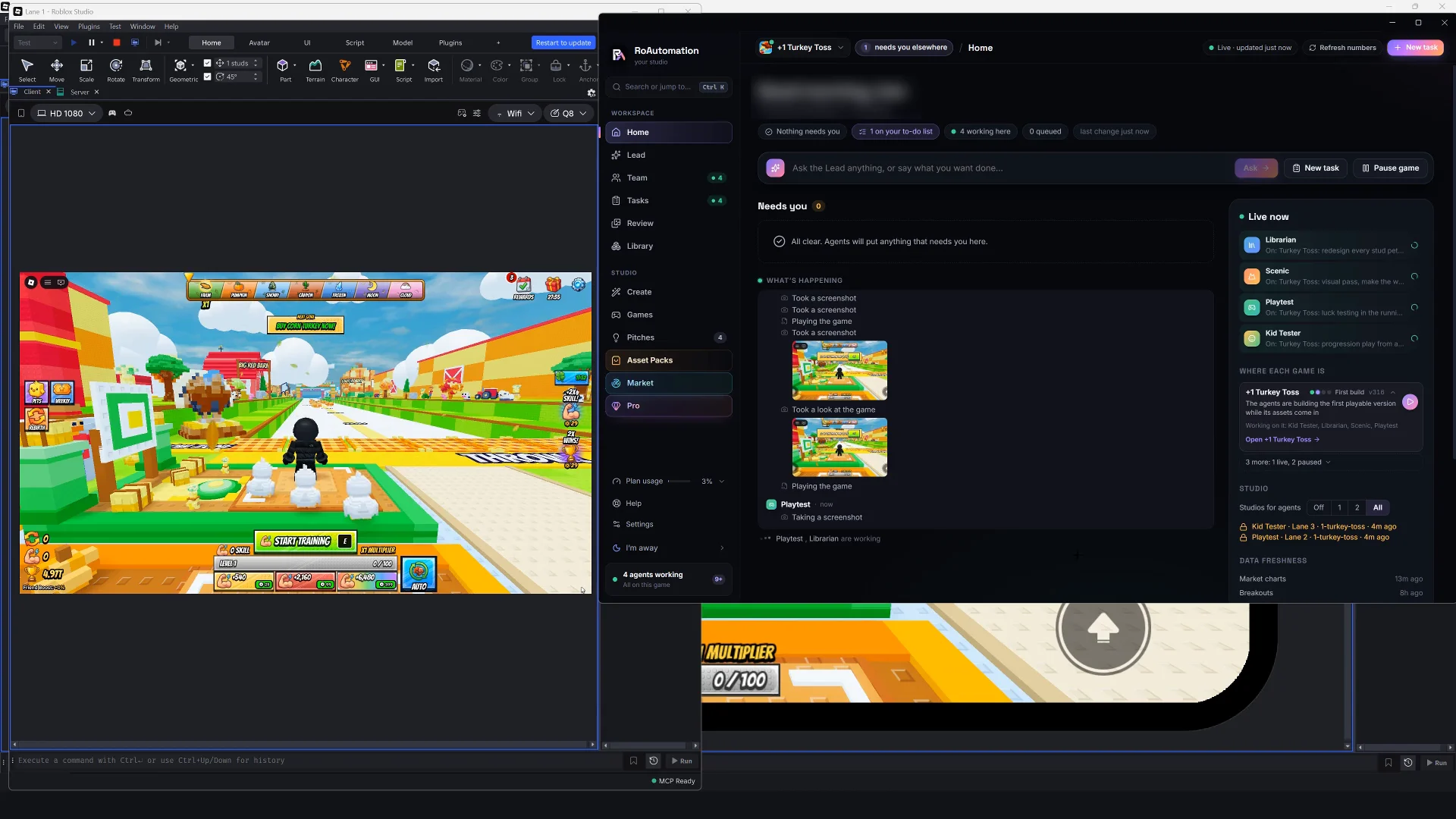
There are five main kinds of AI tools for Roblox: Roblox Studio’s built-in Assistant, code assistants that work in an editor with Rojo, prompt-to-game websites, AI asset and 3D generators, and agent studios that work inside Roblox Studio itself. The Assistant and code assistants help you write scripts faster; prompt-to-game sites give a quick basic game; generators make models and art; agent studios plan, build, test and polish a whole game. The best choice depends on whether you want help coding or want the game made.
What kinds of AI tools are there for Roblox?
Most tools fall into one of five groups. They differ in where they run, how much of the game they can see and how much of the work they take on.
- Roblox Studio’s built-in Assistant: a helper inside Studio.
- Code assistants in an editor: general AI coding tools working on your scripts, synced into Studio with Rojo.
- Prompt-to-game websites: type an idea, get a game.
- AI asset and 3D generators: models, textures, icons and effects from a description.
- Agent studios: several AI agents that plan, build and test inside Roblox Studio.
Many developers use more than one. A code assistant for scripts and a generator for props is a common pair.
Roblox Studio’s built-in Assistant
Roblox ships an AI Assistant inside Studio. It writes and explains Luau, answers questions about the engine, and creates, edits and deletes scripts and objects in your place directly. It comes with Studio and needs no setup.
- Good at: quick scripts, explaining an error, small edits, learning how an API works.
- Weaker at: whole-game work. It acts on the place you have open, and Roblox’s docs don’t describe device testing or running a game after launch.
- Best for: beginners learning Luau and developers who want a quick answer without leaving Studio.
Code assistants in an editor, with Rojo
General AI coding tools, such as Claude Code, work on files on your computer. Roblox scripts normally live inside the place file, so developers use Rojo, an open-source tool that syncs a folder of Luau files into Studio as you save. That puts your game’s code in plain files the AI can read, search and edit, with git tracking every change.
- Good at: real engineering. Refactors across many files, data saving, server checks, typed Luau, reading a large codebase before changing it.
- Weaker at: anything visual. On its own it can’t see your map, your UI or how the game plays, unless you connect it to Studio (see our guide to using Claude Code for Roblox).
- Best for: developers who already code and want to go faster, and teams who want version control.
Expect some setup: Rojo, an editor, a project layout and a notes file that tells the AI your conventions.
Prompt-to-game websites
These sites take a sentence and return a playable game, often in minutes. They’re the fastest way to see an idea on screen.
- Good at: a quick first version and a demo you can show a friend.
- Weaker at: depth and control. Results vary, and most stop at the build. Check whether the site tests the game and lets you keep changing it.
- Watch for: whether you can open and edit the result in Roblox Studio, who owns it, and whether it lives in your own Roblox account.
AI asset and 3D generators
Generators turn a description or a picture into a 3D model, a texture, an icon or an effect. Studio has some generation features of its own, and many standalone tools exist.
- Good at: props, variations of a model, concept art and quick icons.
- Weaker at: game-ready output on the first try. Models can have too many triangles for Roblox’s mesh limits, odd sizes, messy textures or no collision setup. Characters may need rigging before they move.
- Watch for: the license. Check that you can use the output commercially in a Roblox game, and that it passes Roblox’s asset moderation when you upload it.
Expect to fix scale, pivot and collisions in Studio after import, and judge every model next to the rest of your art. A great model in the wrong style still looks wrong.
Agent studios that work in Roblox Studio
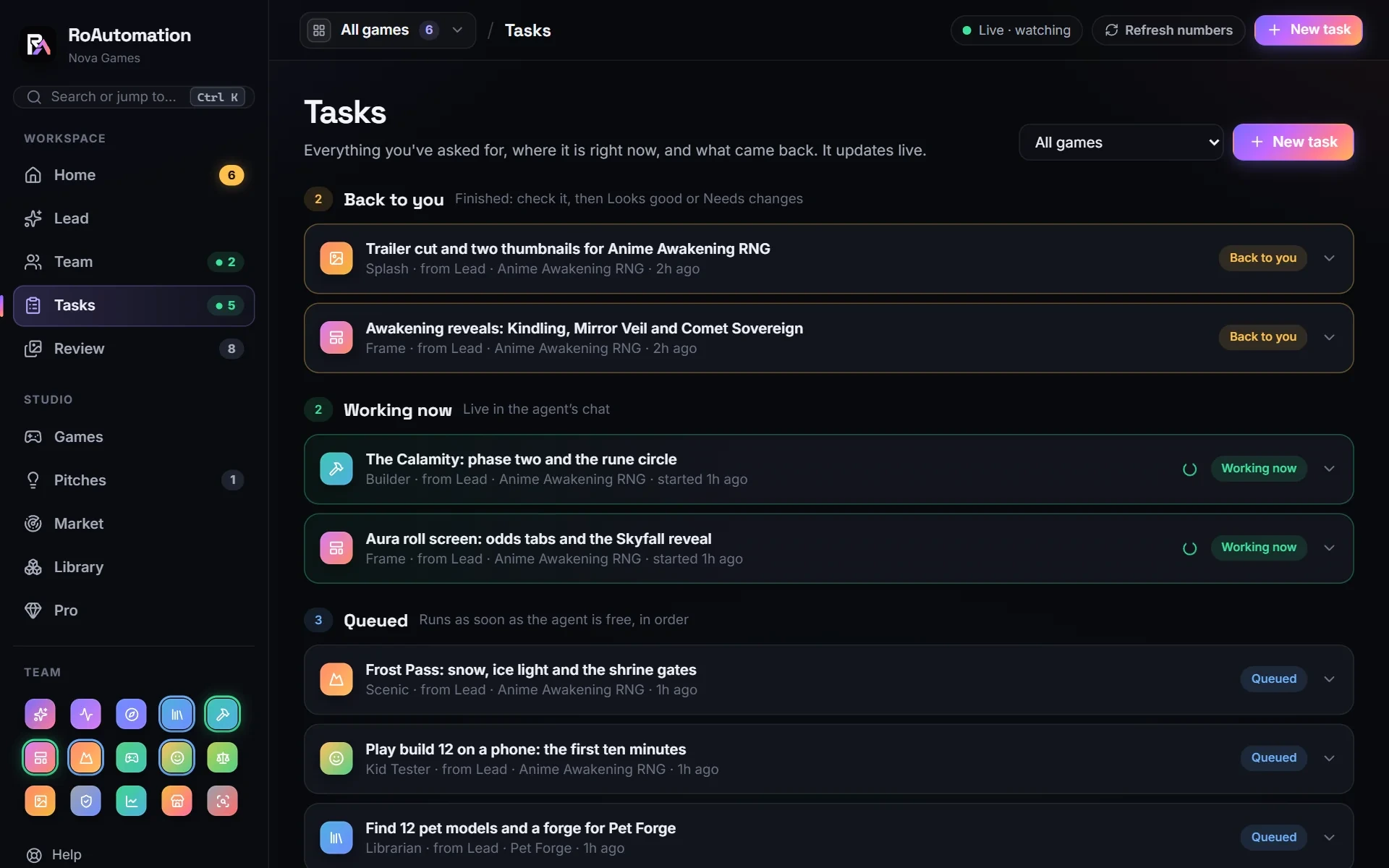
An agent studio runs several AI agents, each with a job, that work in your own Roblox Studio. One plans, one codes, one builds the world, others test. They hand work to each other and come back to you for decisions.
- Good at: whole games. Planning before building, testing every build, fixing what testers find and carrying on after launch.
- Weaker at: instant results. A planned, tested build takes longer than a one-shot game, and it uses more of your AI plan.
- Best for: people who want the game made, not just help typing it, and who will still review and approve the work.
RoAutomation is this kind of tool. It’s a desktop app for Windows and Mac with 15 specialist agents, from Pulse, which finds what’s trending, to Builder, which codes the game in your Studio, to Playtest and the Kid Tester, which play every build on PC, phone and gamepad. Each one studies its own chapters of a 300,000+ word Roblox playbook and reference library, and the team keeps going past the build: launch, live numbers and TikTok promos. It works through Roblox Studio and Roblox’s official Open Cloud API with a key you create, it runs on your own Claude plan, and nothing goes live without your yes.
How do you choose the best AI for Roblox Studio?
Start from what you want to get done, not from the tool:
- Learning Luau or fixing one script? Studio’s Assistant.
- Already a developer, want speed and version control? A code assistant with Rojo.
- Want to see an idea on screen in minutes? A prompt-to-game site, knowing it will be basic.
- Need props, icons or effects? A generator, plus time to fix the results in Studio.
- Want a full game designed, built, tested and launched? An agent studio.
Whatever you pick, a few things matter more than the brand: the game stays in your own Roblox account, you can edit it in Studio, your keys stay private, and you see and approve what ships. AI still makes mistakes. The tool that makes them visible to you, and fixes them, is worth more than the one that sounds most impressive. If an agent studio fits, see the plans.
Questions people ask
What is the best AI for Roblox Studio?
It depends on the job. Studio’s Assistant is best for quick help, a code assistant with Rojo for serious scripting, and an agent studio for making a whole game.
Does Roblox have its own AI?
Yes. Roblox Studio includes a built-in Assistant that writes and explains Luau and can make changes to your place.
Can AI tools get my Roblox account banned?
Tools that work in Roblox Studio and through Roblox’s official Open Cloud API work the way a developer does. Avoid anything that asks for your Roblox password or plays the Roblox app for you.
Are AI-generated Roblox models game-ready?
Often not on the first try. Check triangle counts, scale, collisions and style, and confirm the license allows use in a Roblox game.
Do I need to know how to code to use AI for Roblox?
Not for an agent studio or a prompt-to-game site. Code assistants and the Assistant are easier to use well if you can read some Luau.